My Responsibilities
UX design
Research
Visual design
Content
Testing
Direct Contributors
Product manager: Mondrian H.
Development lead: Chari S.
Other Contributors
Product marketing team
Design pattern team
Account management team
Customer support team
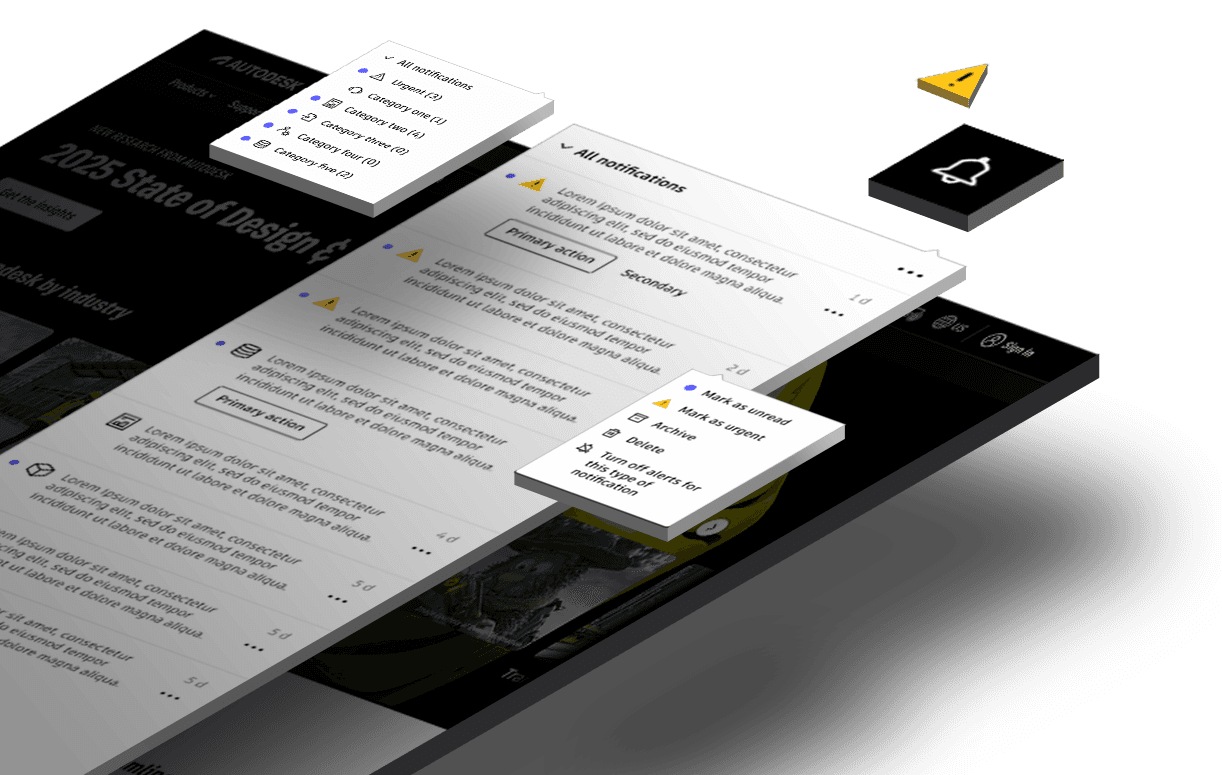
Customers were not seeing messages from Autodesk, especially important ones.
I was challenged with the ambiguous problem to define a strategy around how Autodesk messages its customers, deliver a solution within the realm of Autodesk Account, and collaborate with parallel team members working on the same initiative in their domain.
Problem
Customers are not receiving critical messages in a timely or visible manner. Notifications are fragmented across multiple channels, making it difficult to locate and prioritize important messages resulting customers filing support tickets.
Goal
Identify and define an opportunity within the context of Autodesk Account. Deliver a solution that highlights critical communications, reduces noise, and enables customers to easily access and manage important messages.
Role
I was the sole designer responsible for authoring the strategy, telling the story, assembling research, auditing content, and creating design deliverables around a message strategy in Autodesk Account. Additionally, I assembled external team members to define best practices for the different messaging modalities across the org and gain alignment on their parallel efforts.
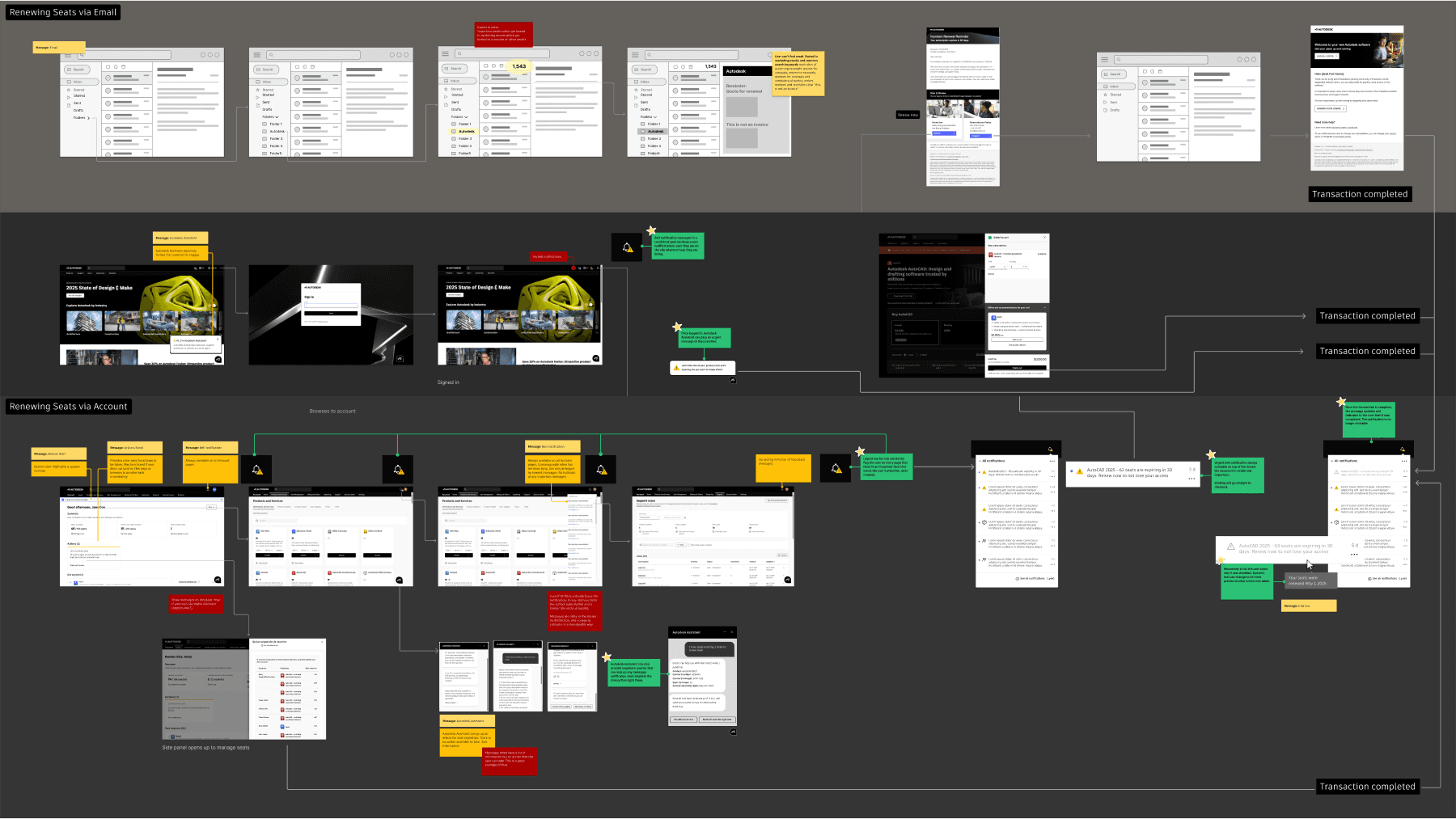
To help determine a UX strategy, I mapped the journey of a primary administrator renewing a subscription from an email inbox to subscription renewal in Autodesk Account. I found there were plenty of opportunities for the user to receive a message, but no centralized place to find the message later, especially when they got the message in the middle of another task.
Findings
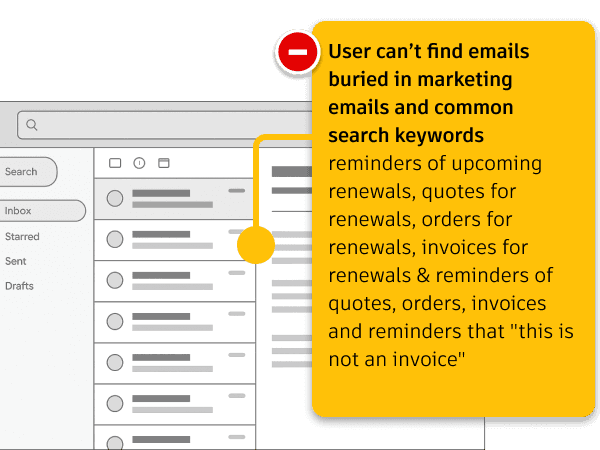
Email Noise and Clutter
Users can’t find important emails buried amongst marketing emails, quotes for renewals, reminders of quotes and are multiplied by each product they have. Urgent messages often get lost in the noise.
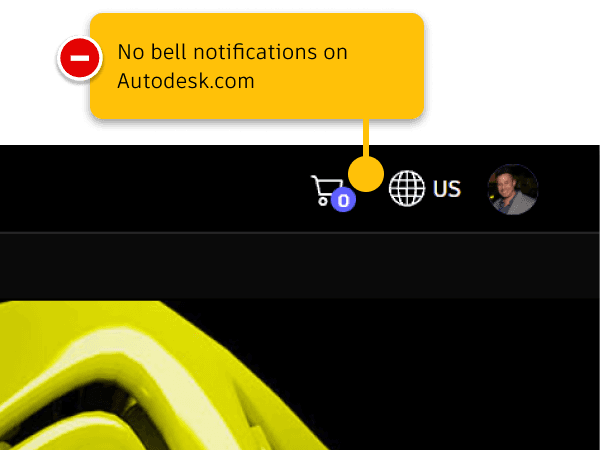
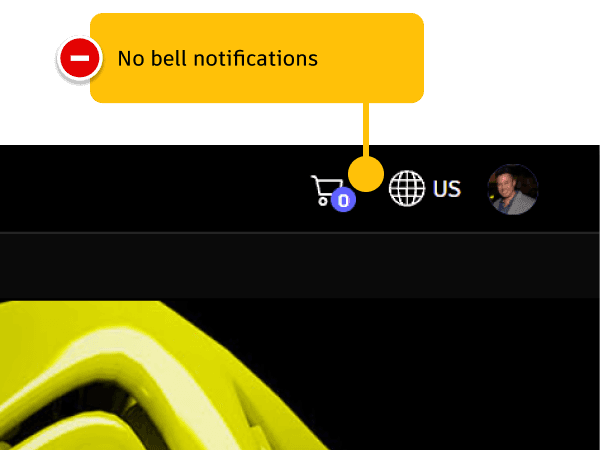
Missing Notification Bell on Autodesk.com
Autodesk's home page and main marketing pages do not have a notification bell, missing a key area for users to consistently find urgent messages.
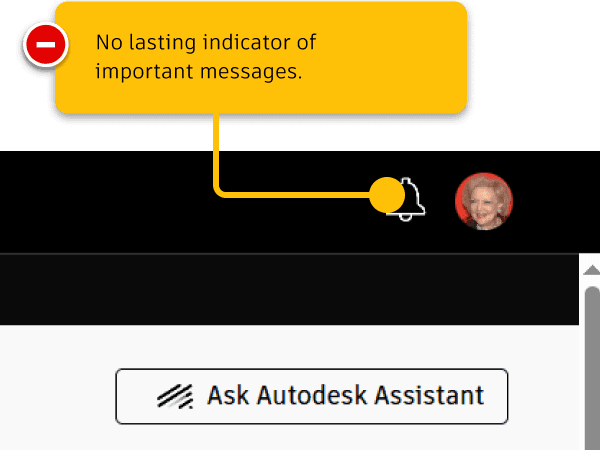
Urgent Messages
The pages that did have the bell notification feature did not have the ability to tell the user if there was an urgent message waiting.
Limited Notifications Drawer
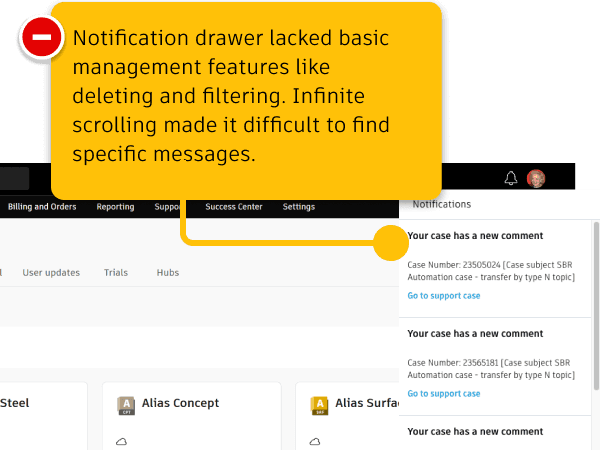
The original notifications drawer was limited in functionality. There was a lack of management features such as searching, filtering, sorting, and deleting. Infinite scrolling made it difficult to find a specific notification message
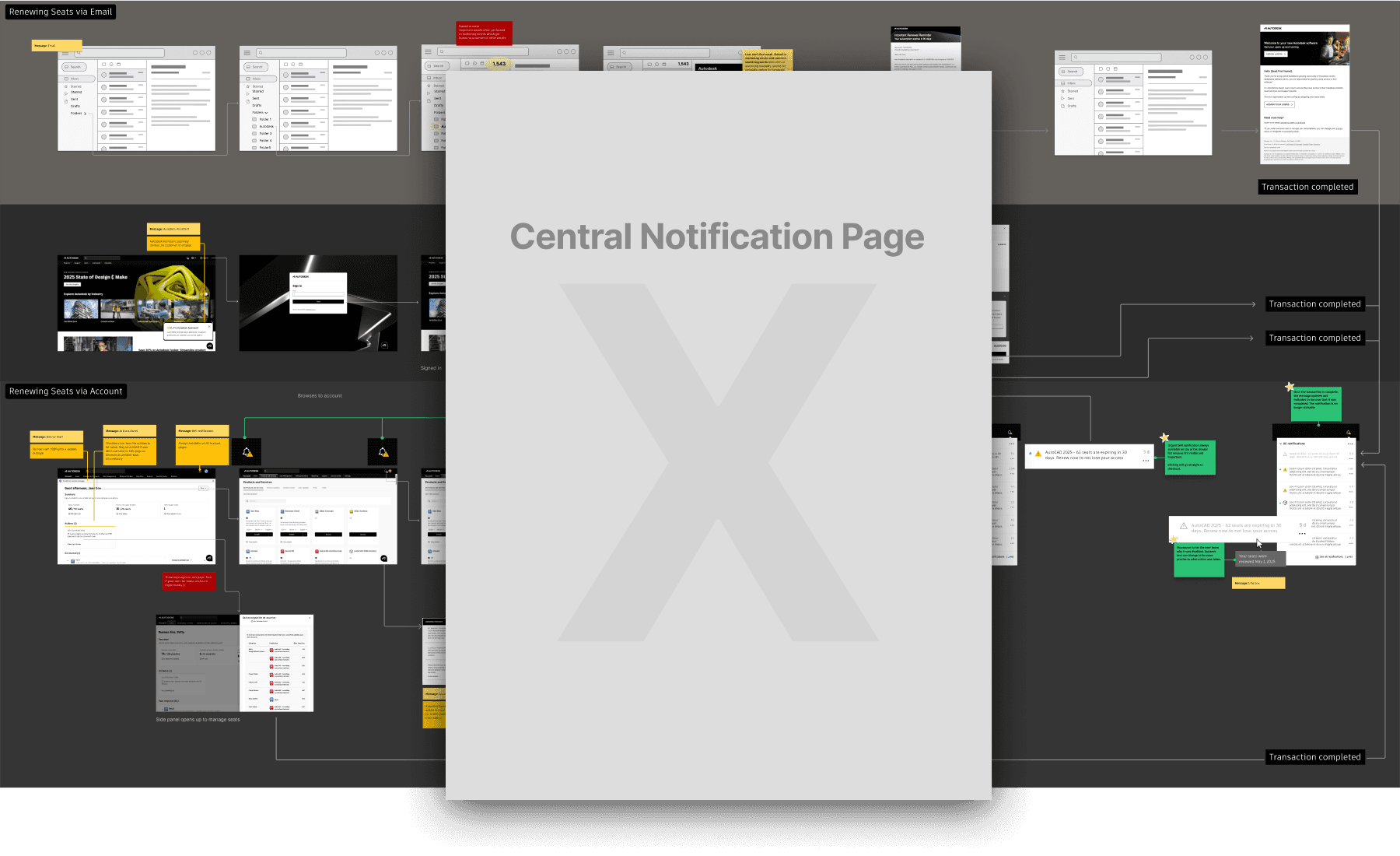
The journey mapping study revealed that there was not a lack of messaging opportunities, but what there was a lack of was a centralized notification area where users could find the notifications they received while finishing another task.
Original State Customer Feedback
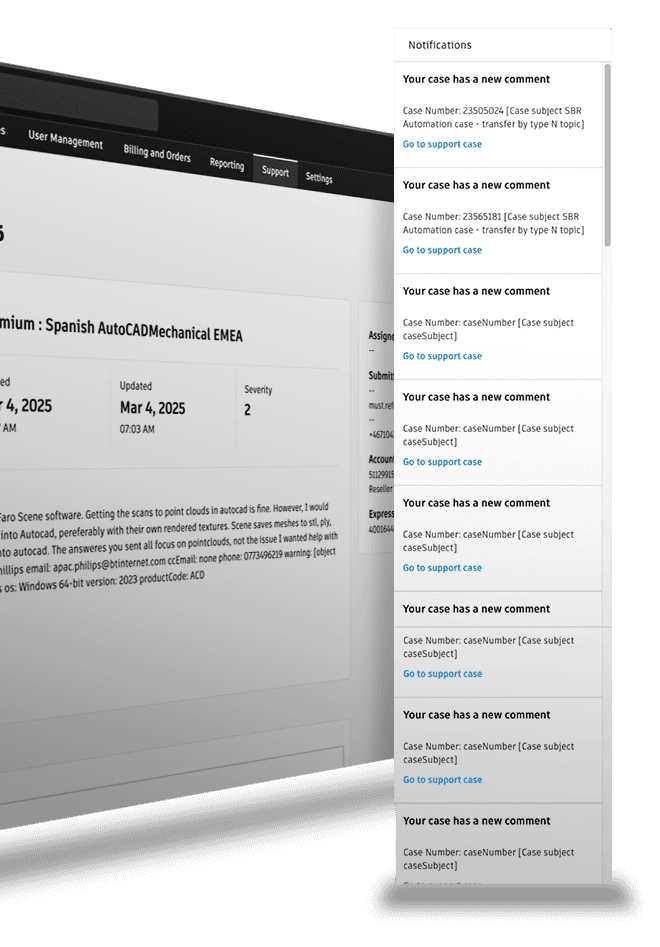
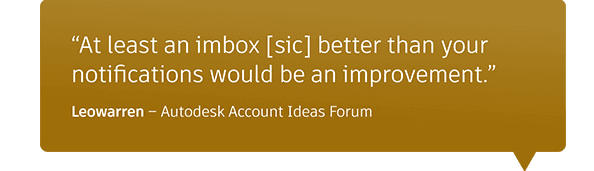
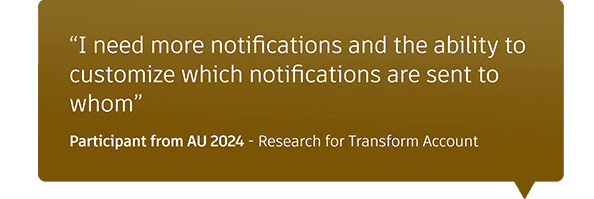
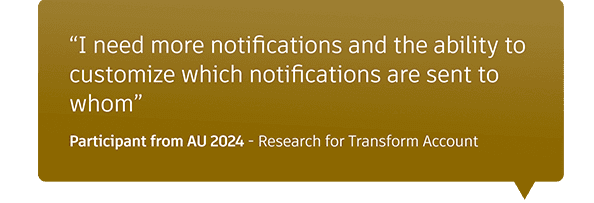
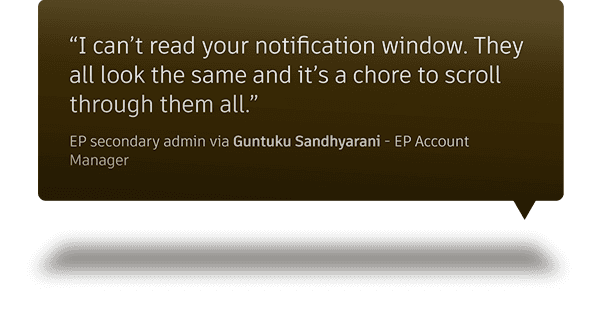
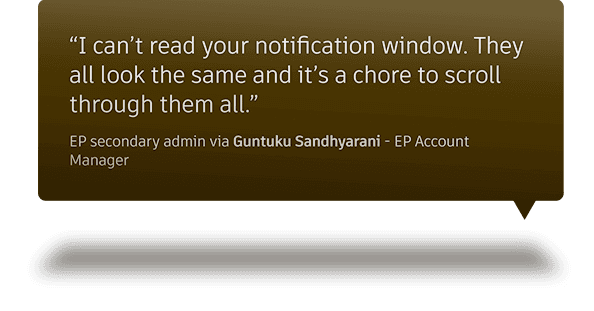
The existing bell notifications had several limitations that made the feature difficult to use, especially when handling long lists. I conducted a usability audit and gathered user feedback to help define a path forward for improving the notifications drawer
Original State Findings
Title or subject line helps readability
Urgent messages, such as product expirations are displayed
Displays an updated list of messages in chronological order
All notifications followed a consistent design layout
Infinite scrolling made it hard to customers to find specific messages
Lack of dedicated page for notifications made it difficult to manage messages
No distinction between similar type of messages
No management options such as search, filter, sort
Infinite scrolling can make it difficult to find specific messages in long list
Cannot tell if a message is urgent or not
No way to dismiss a notification
Process: Competitive Analysis
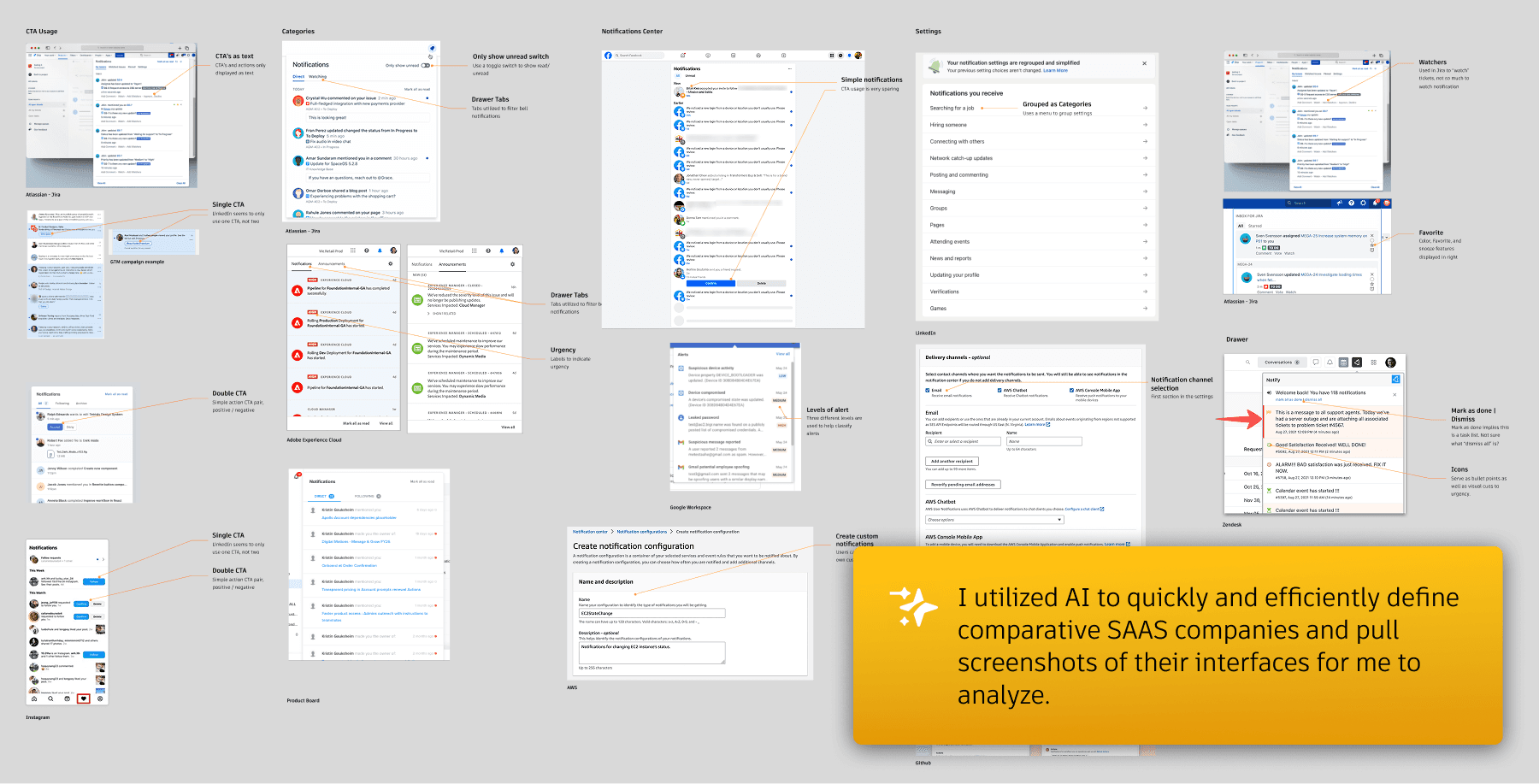
I next researched how other similar companies approached message notifications, focusing on customer jobs-to-be-done and the features built around them. Utilizing AI, I quickly and efficiently identified common patterns, best practices, and user expectations, then organized the findings into an analysis to guide the solution principles.
Solution Principles
I tied the strategy together by summarizing the high-level tactics and showing how an enhanced Notification Center could fulfill them.
Tactic 1: Consistency in Messaging
●
Show users all their messages in one place where they can discern similarities and differences where it matters.
●
Deliver messages in the consistent location across the digital journey
●
Deliver messages with consistent content to help users compare, contrast and ultimately understand and trust Autodesk’s language
Tactic 2: Less Noise
●
Manage: Let the user manage their messages: search, filter, delete, archive
●
Urgent: Tell users which messages are urgent and need immediate attention
●
Categorize: offer categorization for better organization
Tactic 3: More Control
●
Allow users to turn message notifications off or on
●
Let users make a message urgent or not urgent
●
Let admins select the notifications their end users get
Expanding to More
●
AI to summarize messages in the message area
●
Autodesk assistant to deliver messages
●
Machine learning to know which messages mean more and which mean less to inform sort
●
Machine learning to know which notifications each user wants
●
Indexing notifications to be found via Autodesk Assistant or search
Solution Process: Sketching
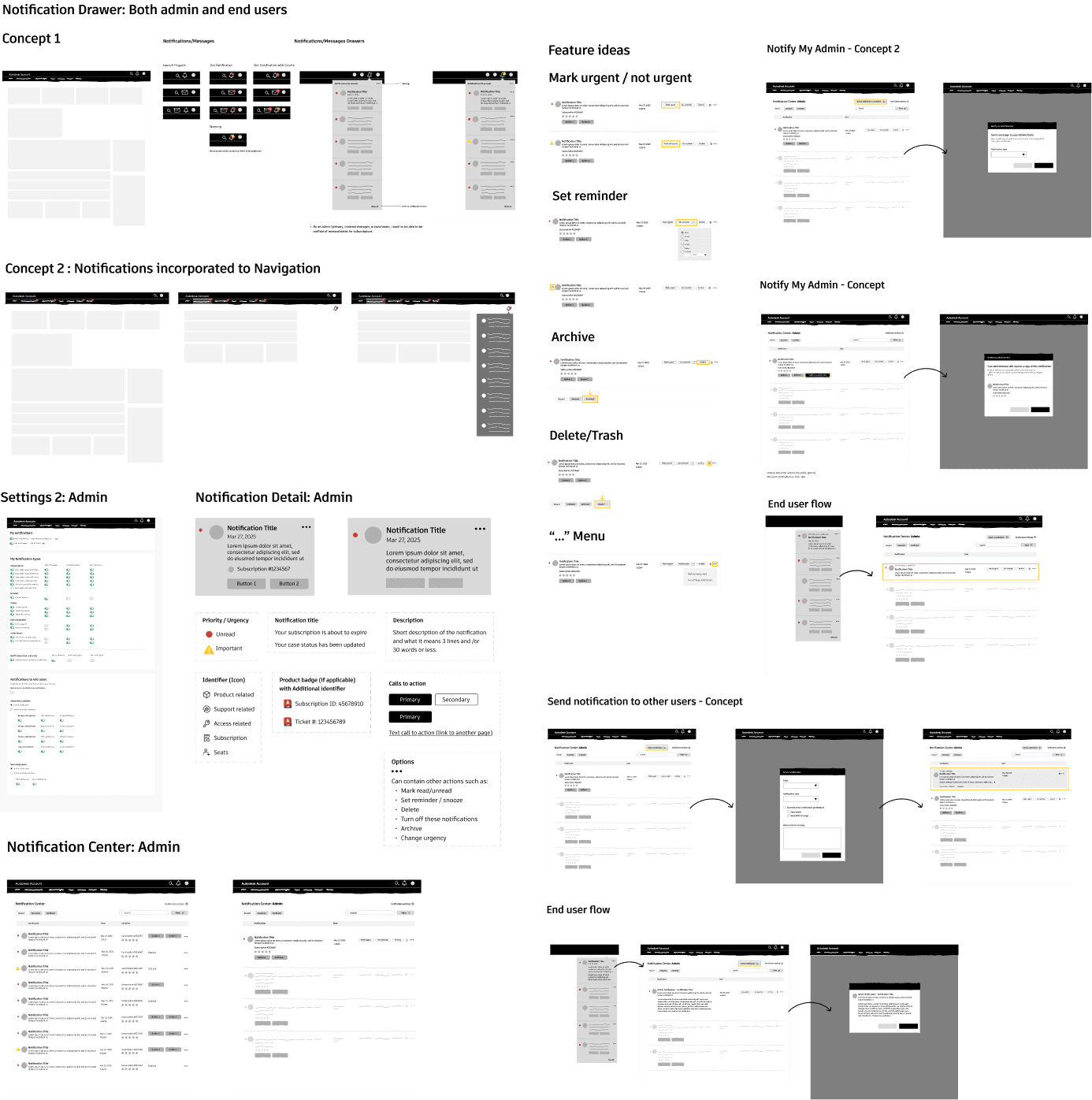
Based on customer interviews, competitive analysis, and brainstorming exercises that I facilitated with the team, I sketched concepts to modernize the notification system and validate key features with internal stakeholders and customers. Some ideas didn’t make the cut, but others resonated and ultimately shaped the final designs.
Final Designs
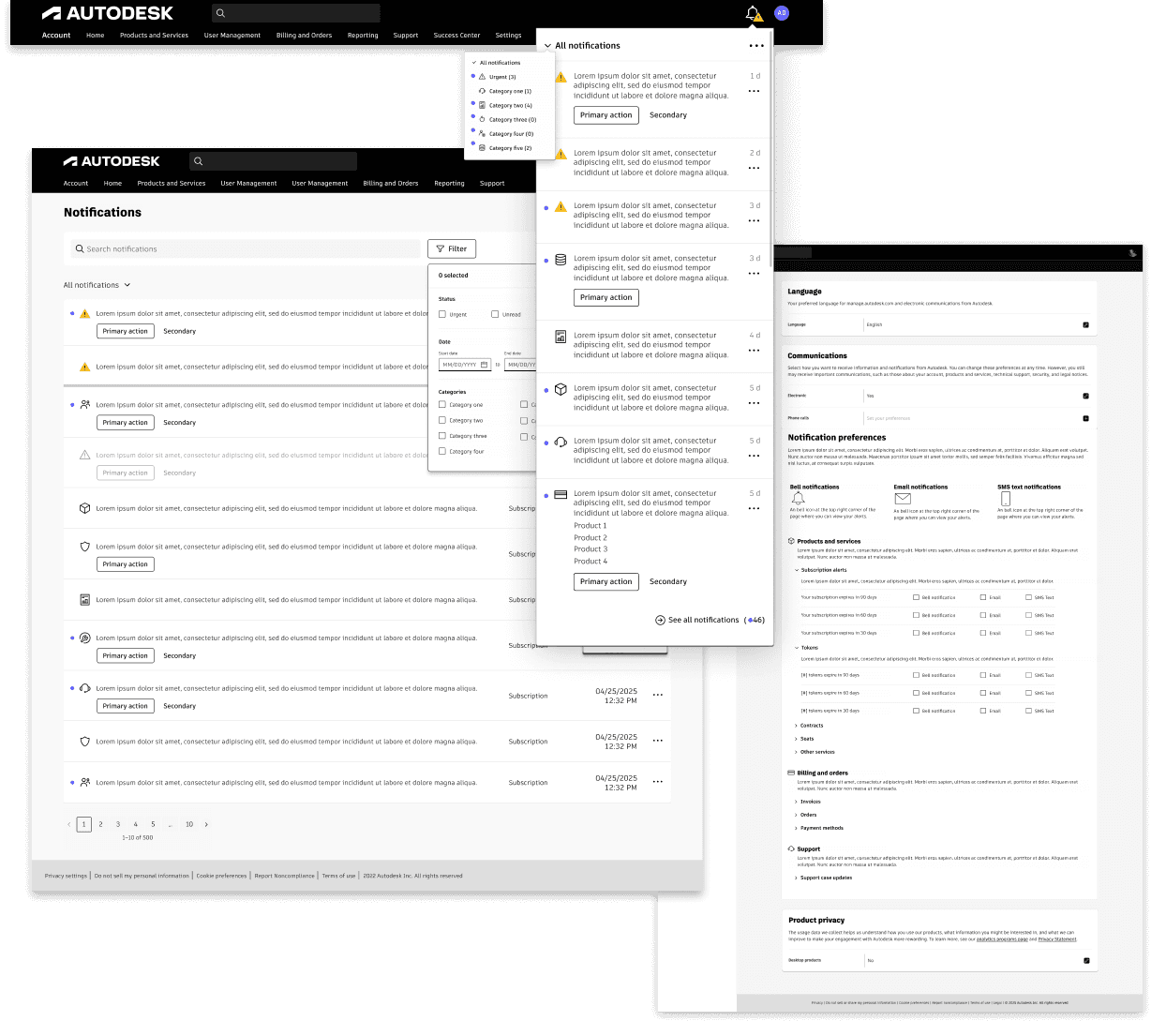
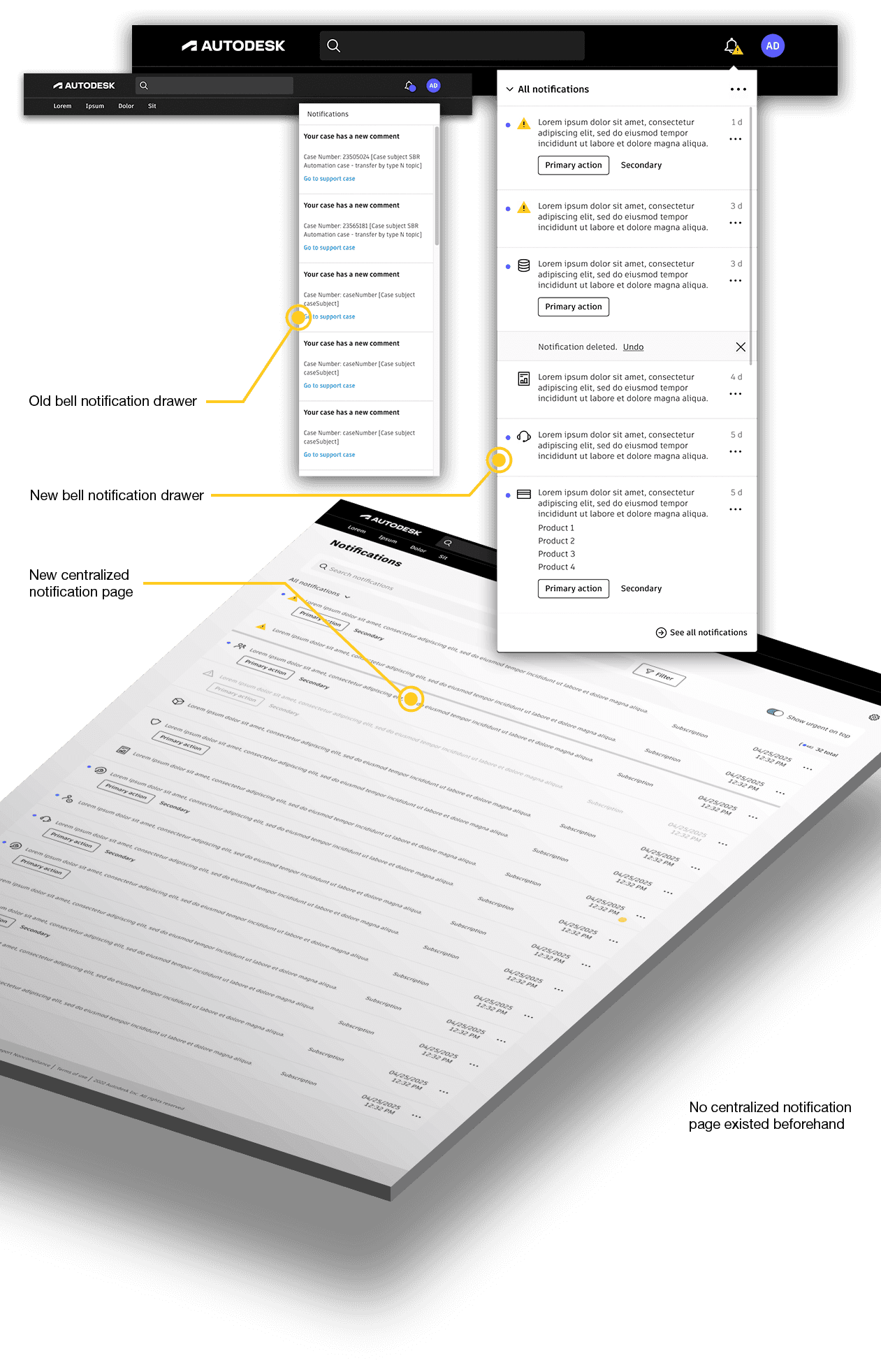
The final deliverables included a new bell notification drawer with different message templates, management utilities such as "mark as read," deleting and archiving, better scannability and categorization for better filtering. Also included was a centralized page dedicated to notification message management as well as a settings page for admins and end users to adjust notification preferences.
Notifications Drawer
I applied out latest design system to my wireframes, tested, iterated, and finalized the visual designs. The new notifications drawer gave users basic management options and the table to the right shows how the implemented features map to the solution principles. that grounded our ideation.
Principle
Feature

Across global header

Read / Unread status
Urgent message indicator
Deleting and archiving

Management options
See all in notifications dedicated page
Centralized Notification Page
The new dedicated fully accessible notifications page gave users the ability to search and manage their notifications in one spot.
Principle
Feature
Dedicated fully accessible notifications page
Search, filter, sort
Pagination
Controlling Notifications
Providing the customer control over which notifications they receive is part of the last tactic that I proposed. While designing the settings page itself was straightforward, identifying a centralized home proved more complicated. However, since the relevant infrastructure belonged to another group, the real challenge was communicating the vision and collaborating across team boundaries to get it built.
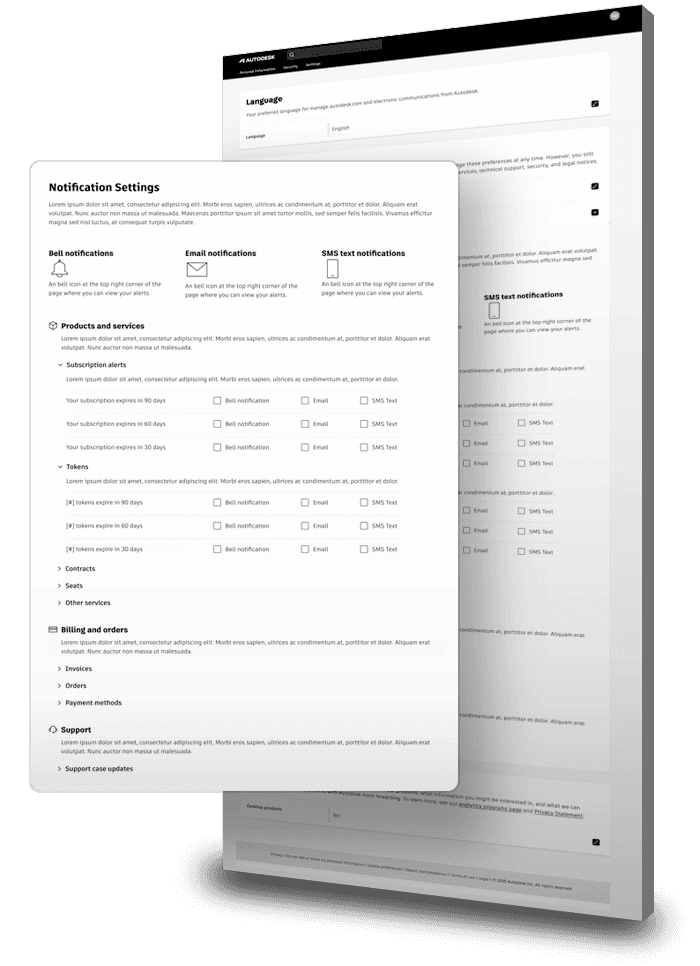
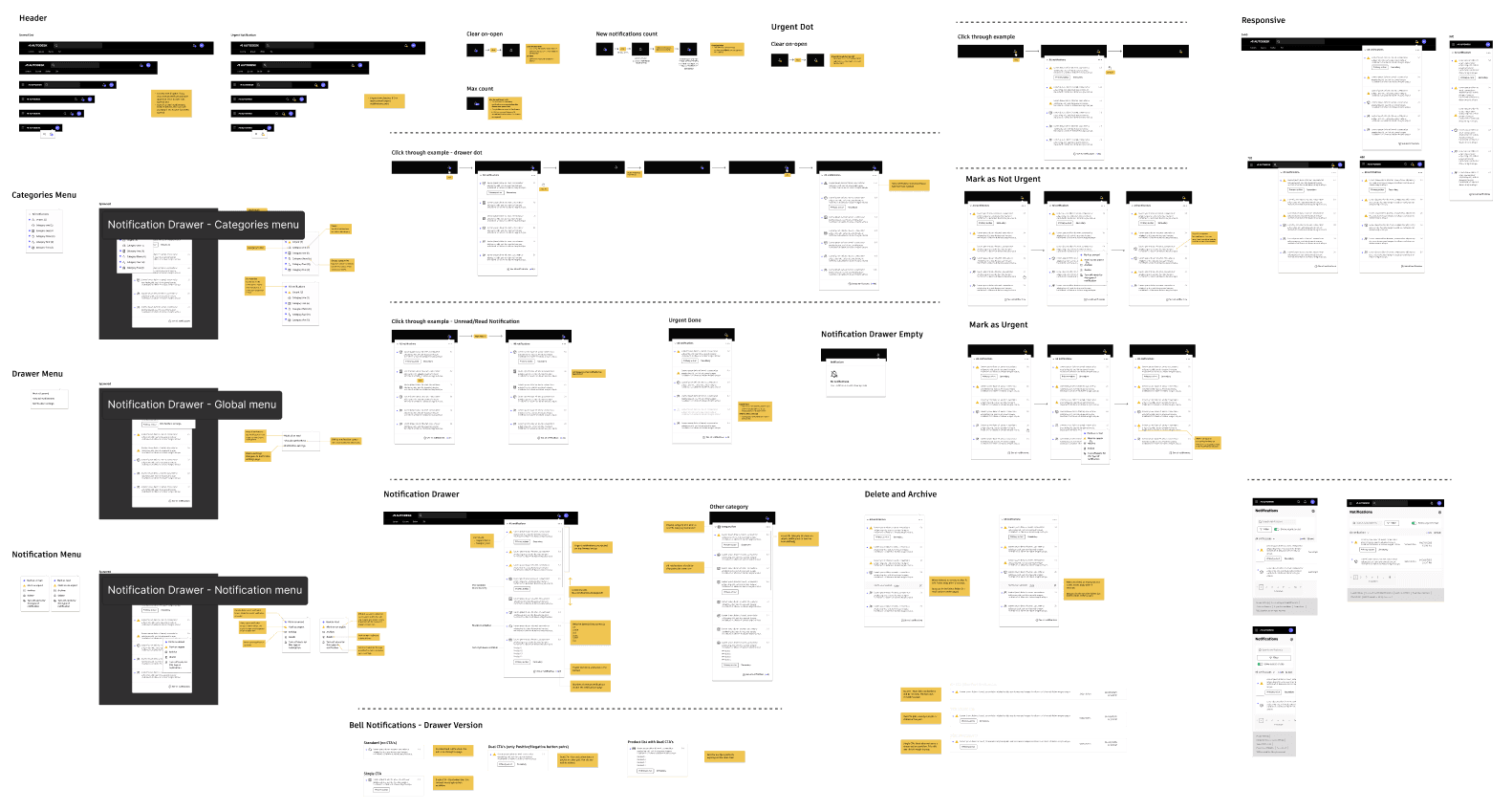
While the notifications drawer appeared simple, it housed a robust feature set, captured through detailed annotations and interaction states that I delivered to the development team, ensuring they had enough detail along the entire build.
Outcome

At the publishing of this case study, the feature was released only to a handful of enterprise customers. We proposed a 15% overall reduction in support cases a year after its full release, based off of the number of cases that seemed to match with missed message topics. Though the project had only been released to a few dozen enterprise admins, we did track engagement metrics of the full notifications page. Of the customers that had the new notifications features released to, 86% engaged in the full notifications page, 6% over our initial goal of 80% engagement.
The work I did to join teams together to author unified messaging definitions and guidelines set the foundation for stronger, more intentional, more consistent experiences for customer communication as well as bridged previously siloed teams together creating ongoing collaboration and outlining a recipe for future projects' success.

I helped foster team unity by involving developers early in the brainstorming phase. Previously, they struggled to communicate project details and estimate effort. By bringing them in sooner, we had more productive discussions around solutions and effort—while also building a stronger, more unified team dynamic.

• Users could finally manage their notifications effectively for the first time.
• Critical messages became visible and actionable.
• Unrealized opportunity to display promotional or marketing material within the new messaging drawer and page.
Takeaway
This was a cross-team projects I led at Autodesk. I regularly met with multiple teams to check-in and lead working sessions as I readied the project to impact more than just the project's immediate deliverables. I led parallel team initiatives such as defining messaging best practices, recategorizing message content, and bridging teams together in joint working sessions as well. This project taught me how to create lasting impact that goes further than the project deliverables but to also see the benefit in aligning teams in collaboration and spirit.
Appendix
Additional Process and Research
More research, definitions, storyboarding, user testing, and some strategy below.
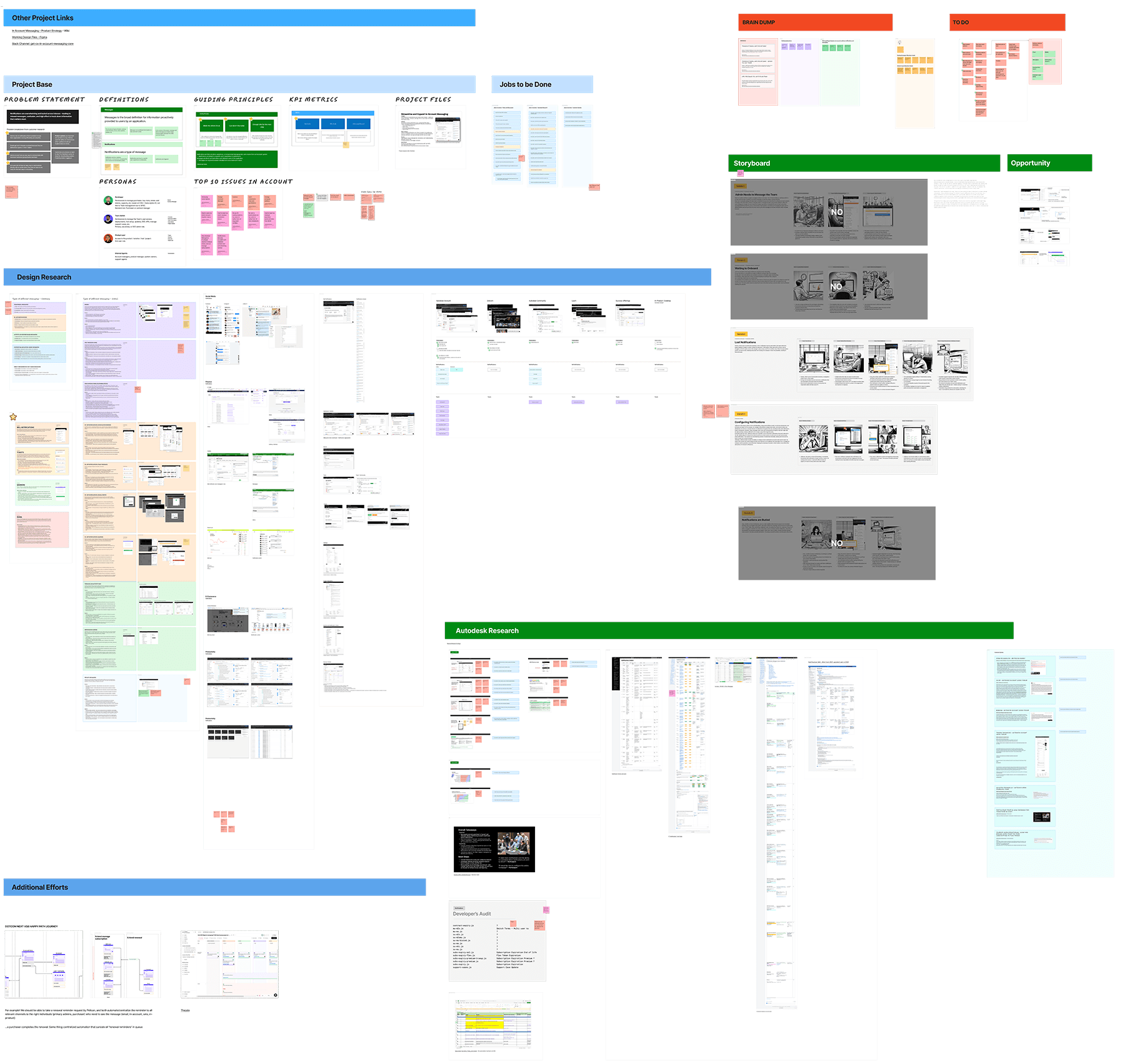
I kept a board close-by to add all project notes, feedback, research , definitions, storyboards, customer feedback, and findings so I or any other team member could quickly reference them in one place.
Defining Best Practice Usage Rules for Other Teams
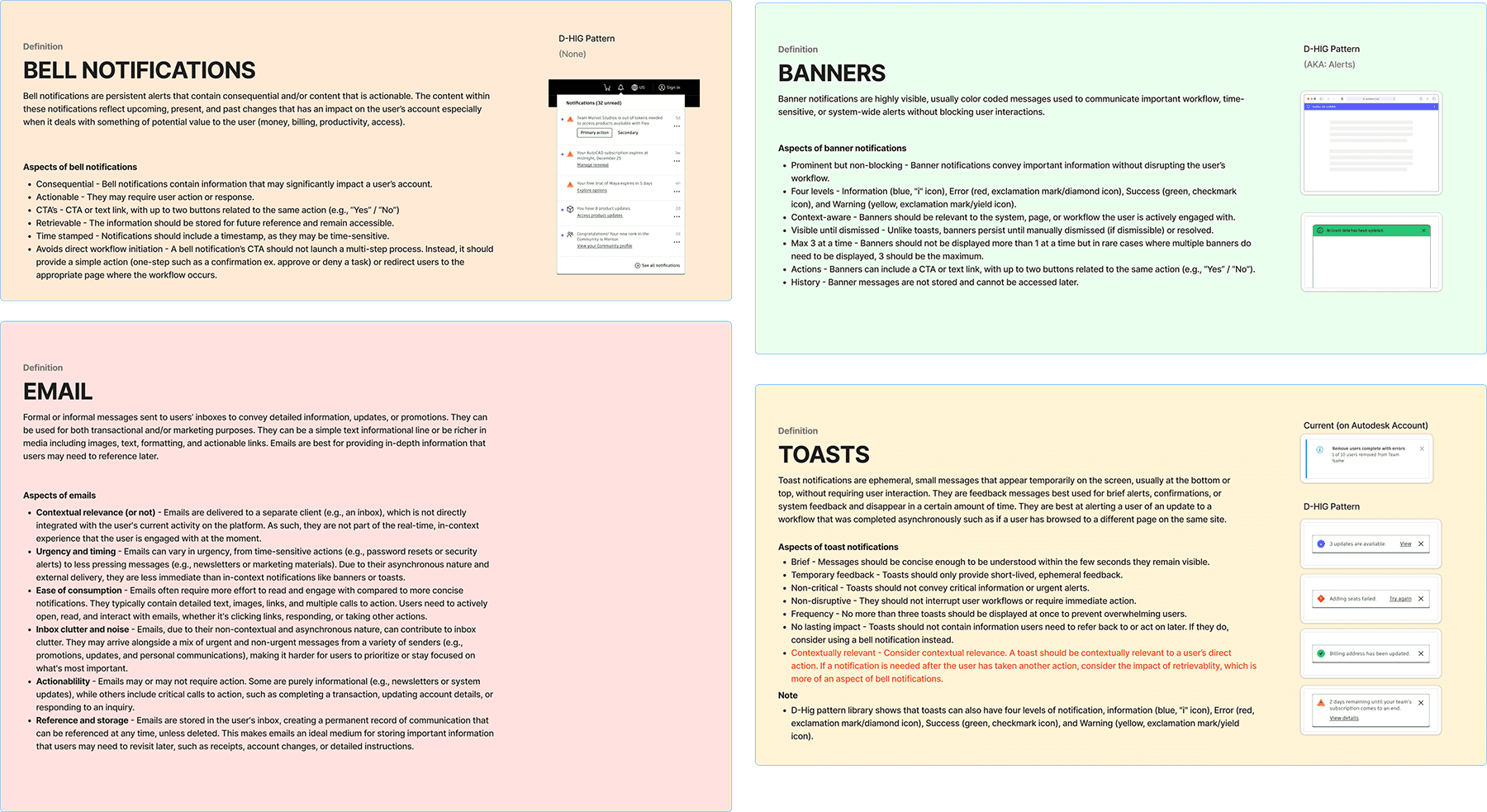
I organized and facilitated working sessions with parallel teams and together, defined different messaging modality best practices and usage guidelines so that our greater organization could align and utilize ways to deliver message notifications consistently for customers.
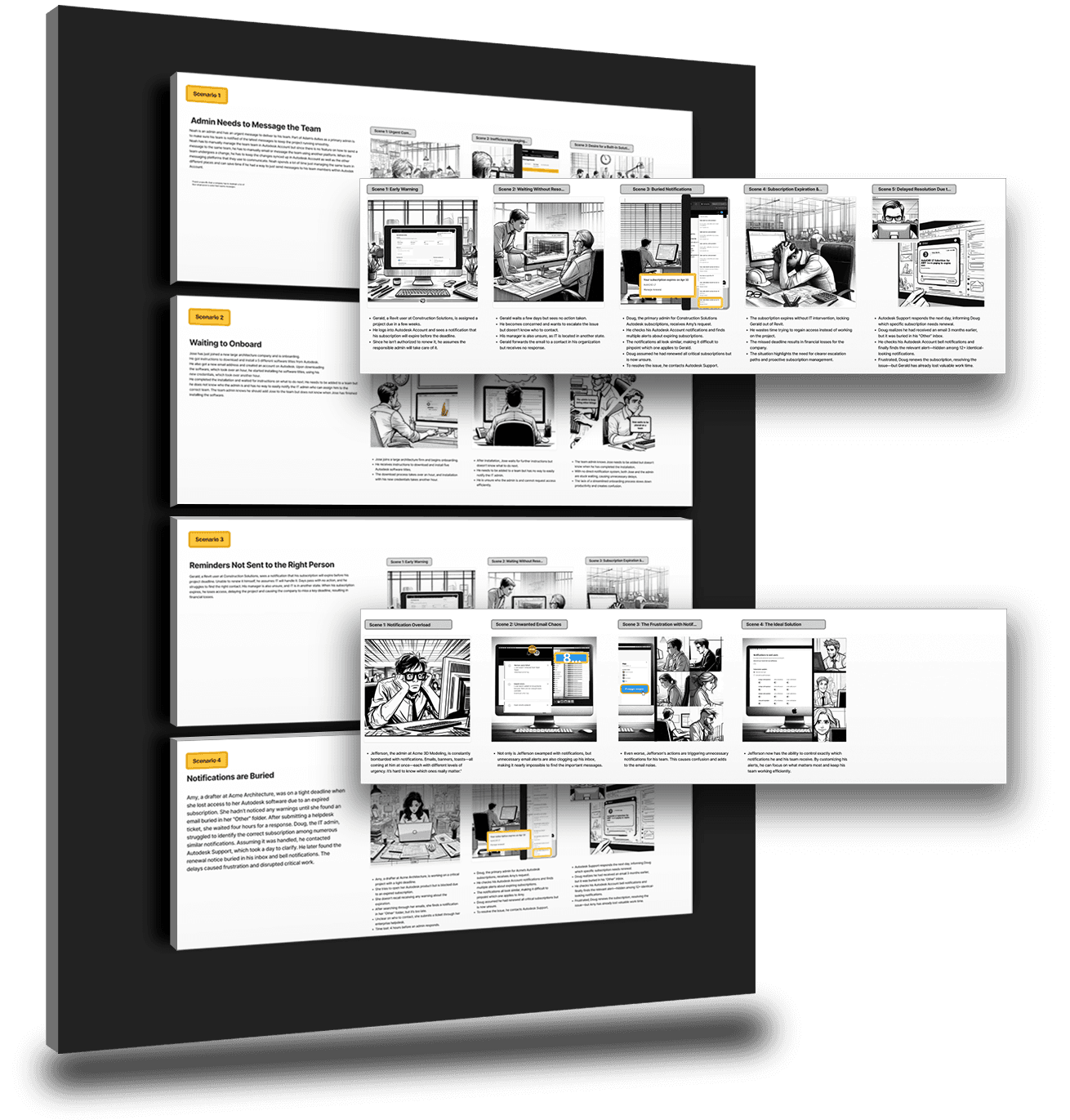
Storyboards
With the help of AI image generation, I crafted several storyboards to tell the user stories of what our customers were challenged with.
Content Audit and Re-Categorization
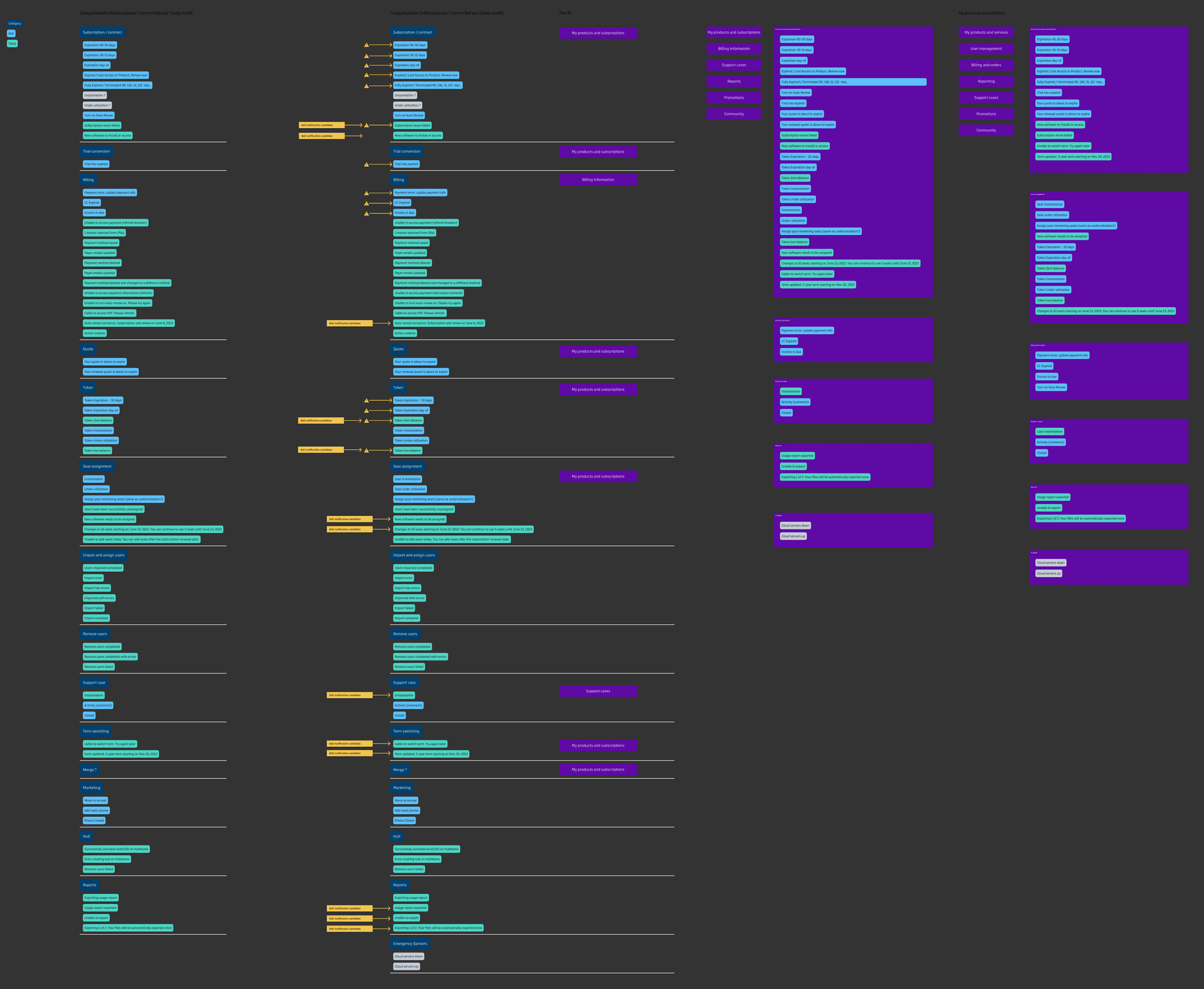
I also collected existing bell notification and toasts existed across the Autodesk digital landscape and engaged users in card sorting research to organize them into categories that made sense.
Logic Flow Diagram
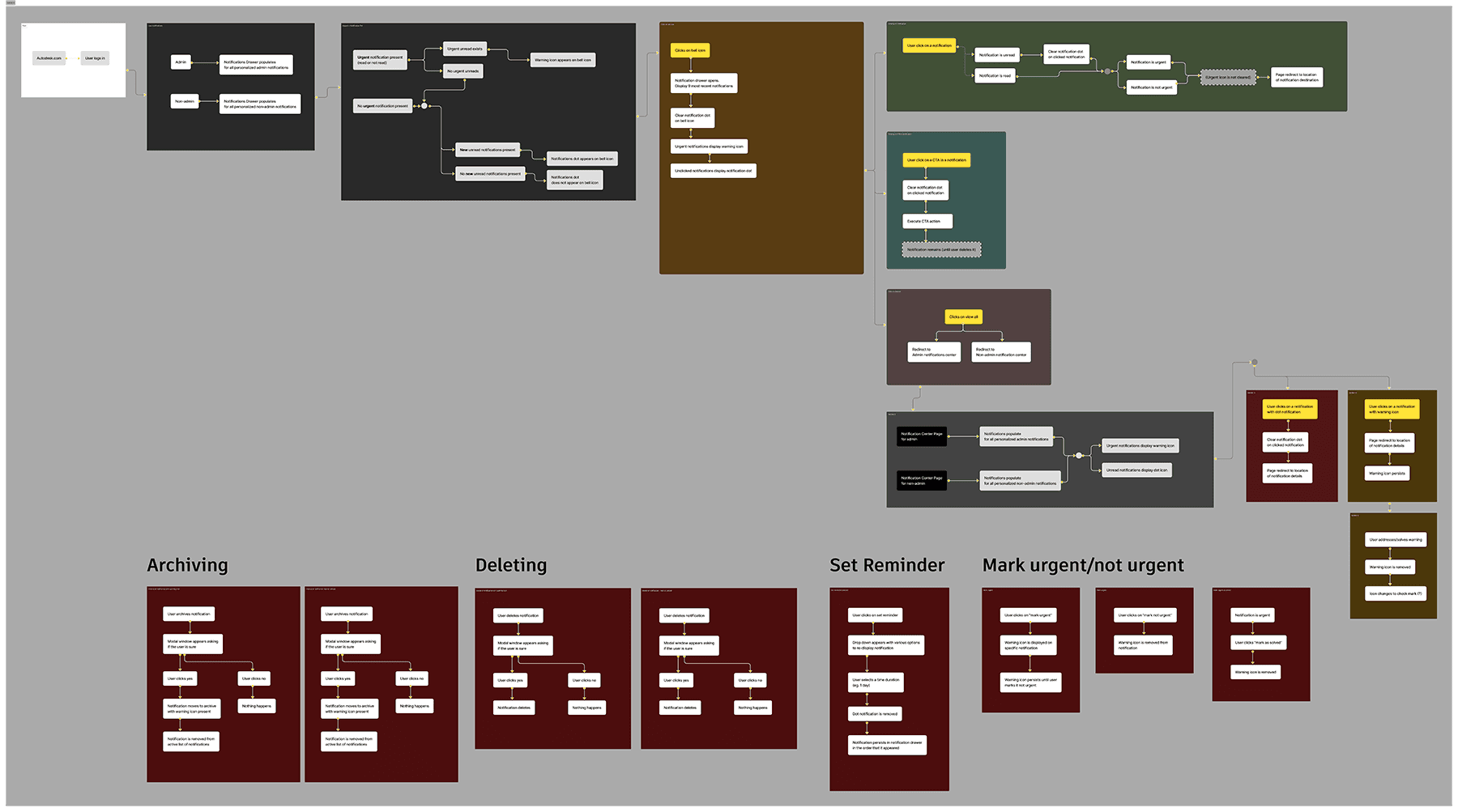
I created a logic flow diagram outlining how different states are triggered and for developers to understand implementation behavior.
Cross Functional Brainstorming Facilitation and MVP Definition
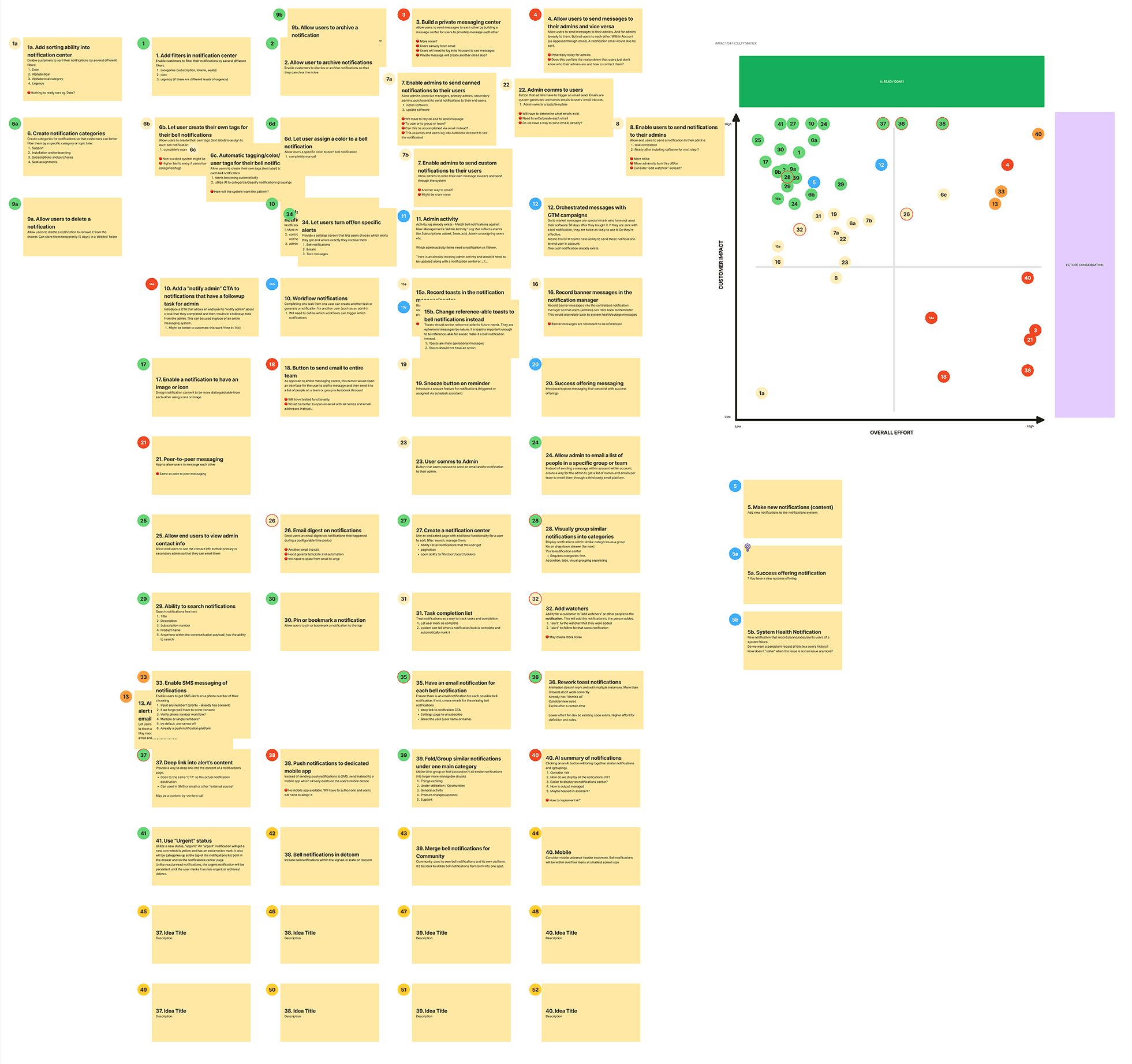
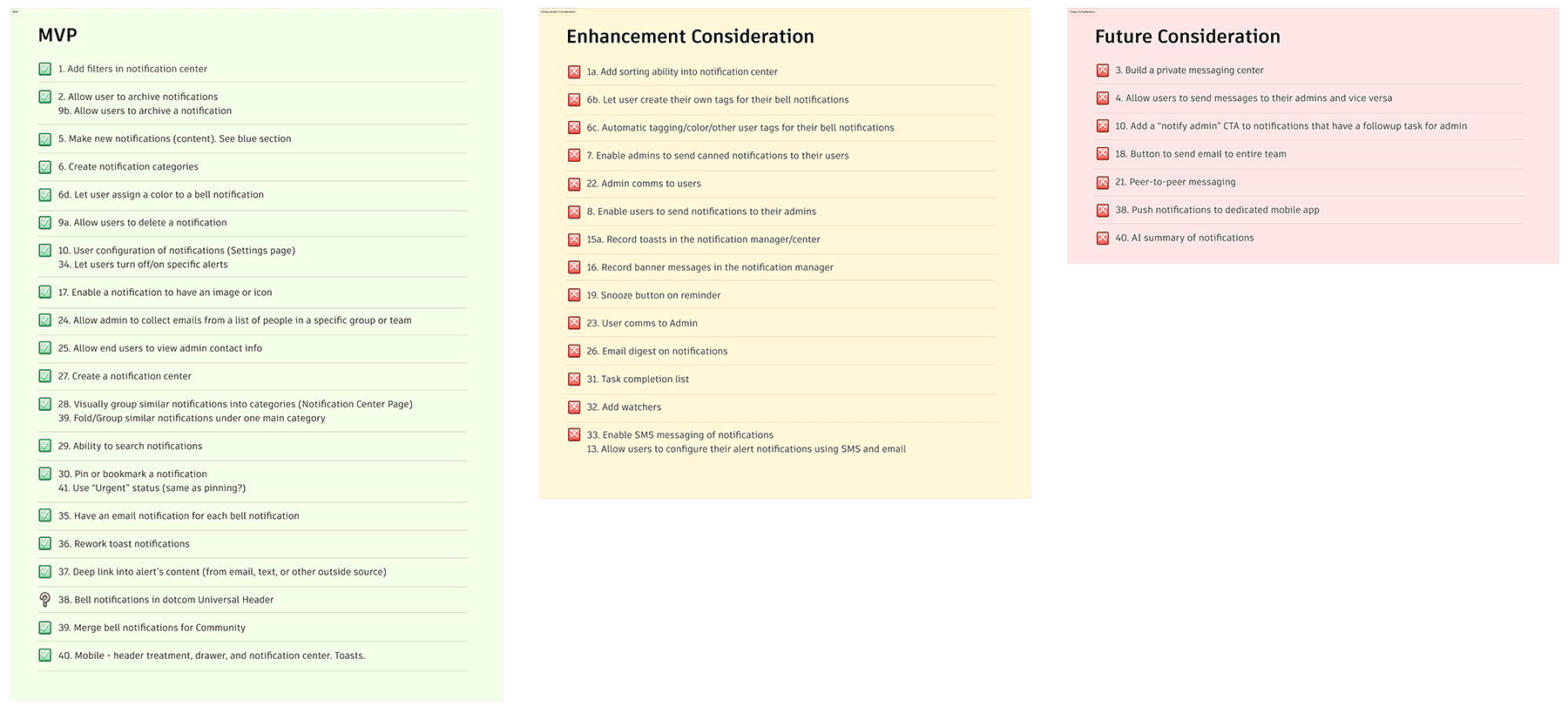
And lastly, one of my favorite parts of the process was leading our stakeholders and cross functional partners in a mulit-day solutioning brainstorm. Together, we shared ideas, evaluated each one by one on impact versus effort matrix, and aligned on a list of actions to move forward with to MVP, not only streamlining future conversations of feasibility but ultimately bringing a shared ownership to everyone involved, especially our development team.