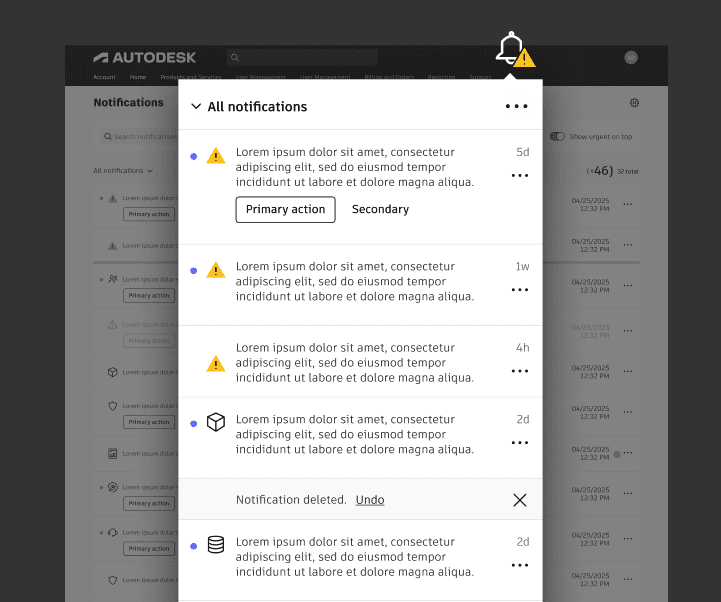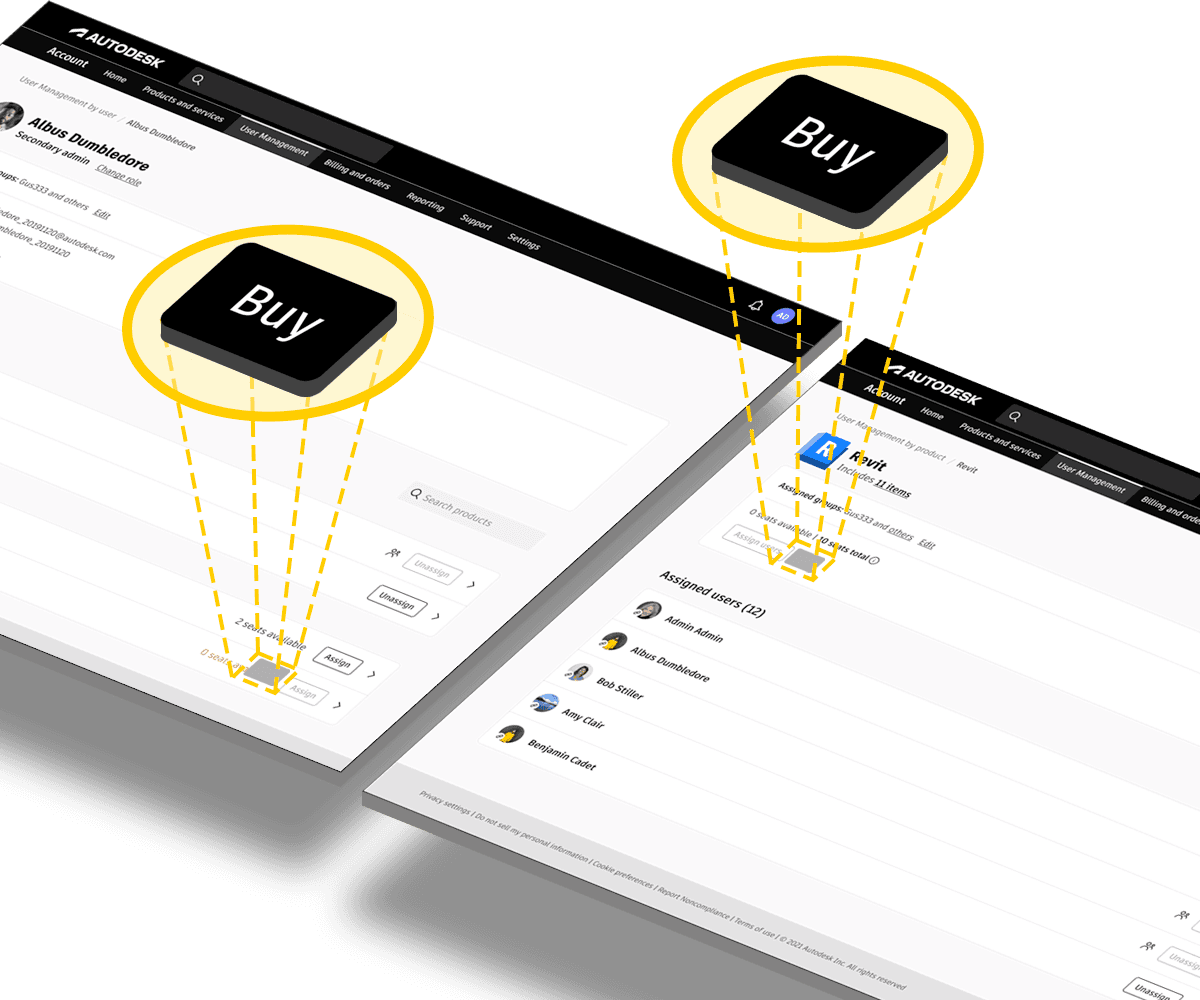
Customers who ran out of available seats when assigning them were forced to leave the task to purchase additional seats, creating friction and distraction mid-workflow.
The project was made more complex by requiring coordination across three design stakeholders, meaning the solution had to be owned by each team's responsible stakeholder.
In addition, each team had been using a mix of outdated UI patterns which needed delicate conversation to encourage uniformity.
Problem
When assigning seats, customers who ran out of available seats would have to go elsewhere to buy more, disrupting the main task. The added logistical challenge was aligning multiple teams on a shared design solution.
Goal
Enable customers to purchase additional seats within the seat assignment flow. Align three cross-functional teams around a shared solution, while adopting updated design patterns.
Role
I was the lead designer in facilitating working sessions to collaboratively create a unified solution to the seat purchasing prolbme and gathering each team’s requirements, constraints, and perspectives.

Me

Product Marketing Designer

Platform Services Designer
Process
The core challenge required aligning three separate teams, each with different ownership and priorities. Each team owned a different part of the process involved in assigning seats or making a purchase. This was the first time we all worked together on a joint project.
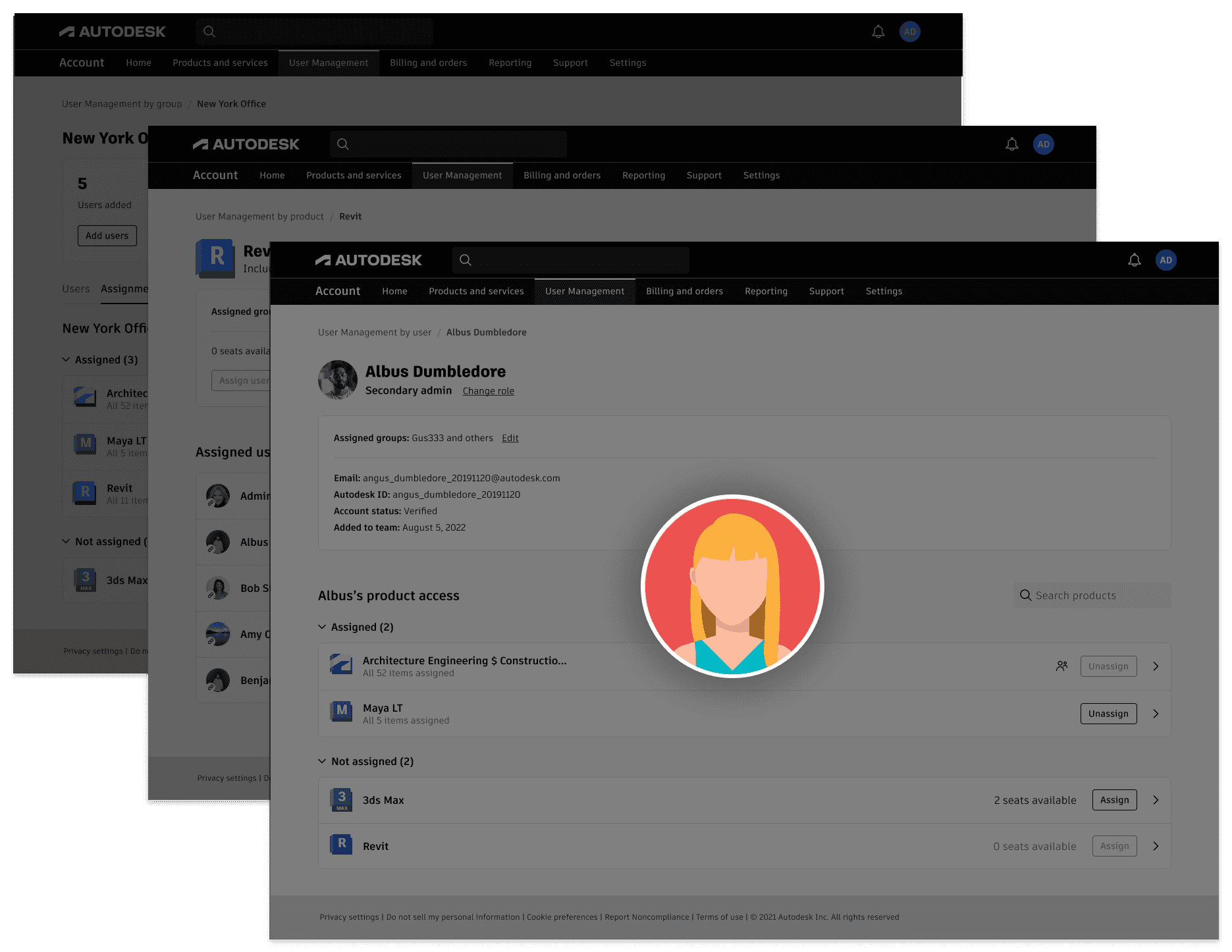
The Platform Services team owned the pages on which administrators assigned seats.
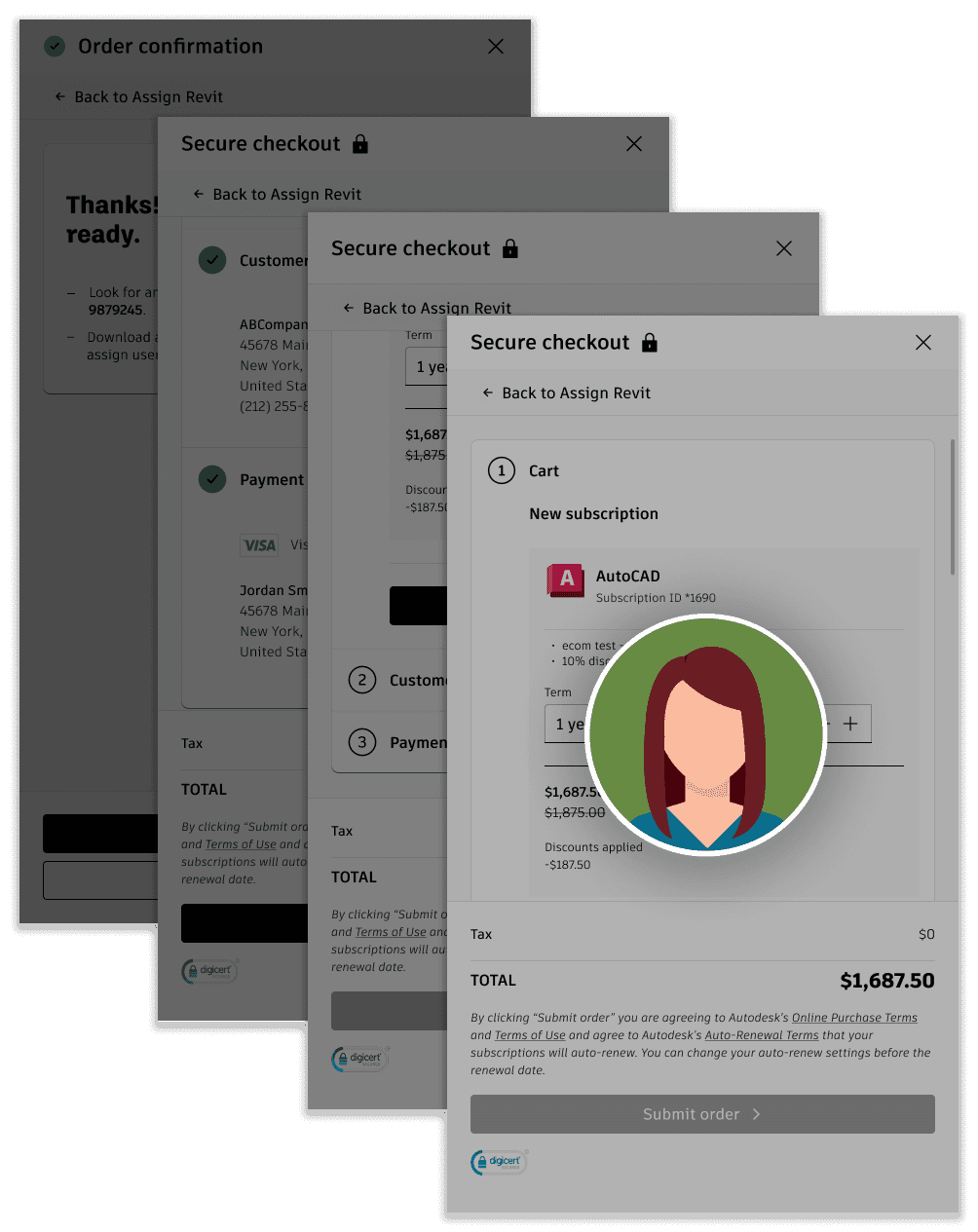
The Product Marketing team owned the micro-checkout flow needed to complete purchases.
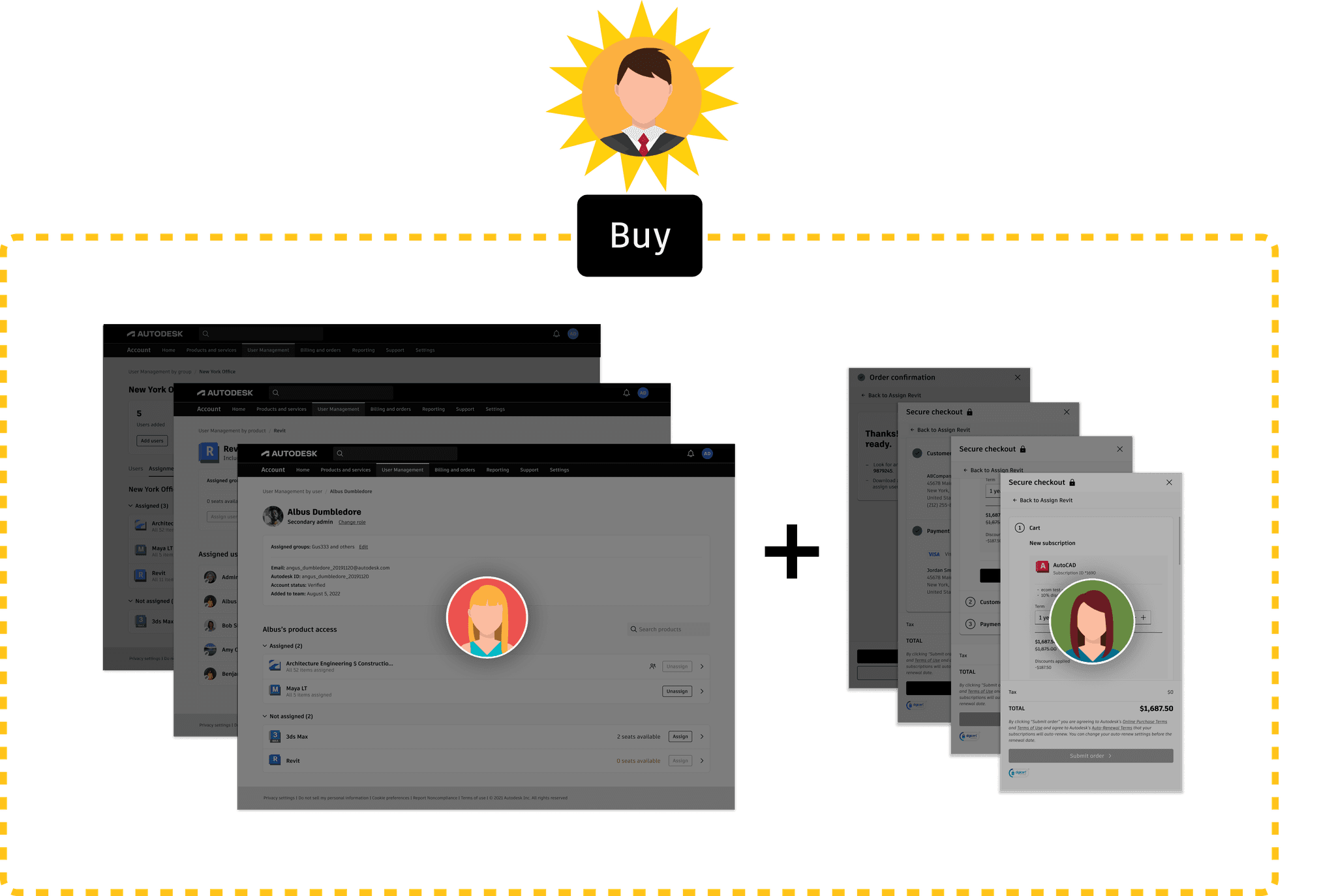
I rallied everyone together in a three-team collaboration on designing a new buying experience for seats.
The team and I determined optimal placement for the "Buy" buttons for the three different seat-assignment methods. While one of the other team members owned the pages that the new buy button will be sitting on, I was in charge of the overall workflow that would be triggered by the buy button.
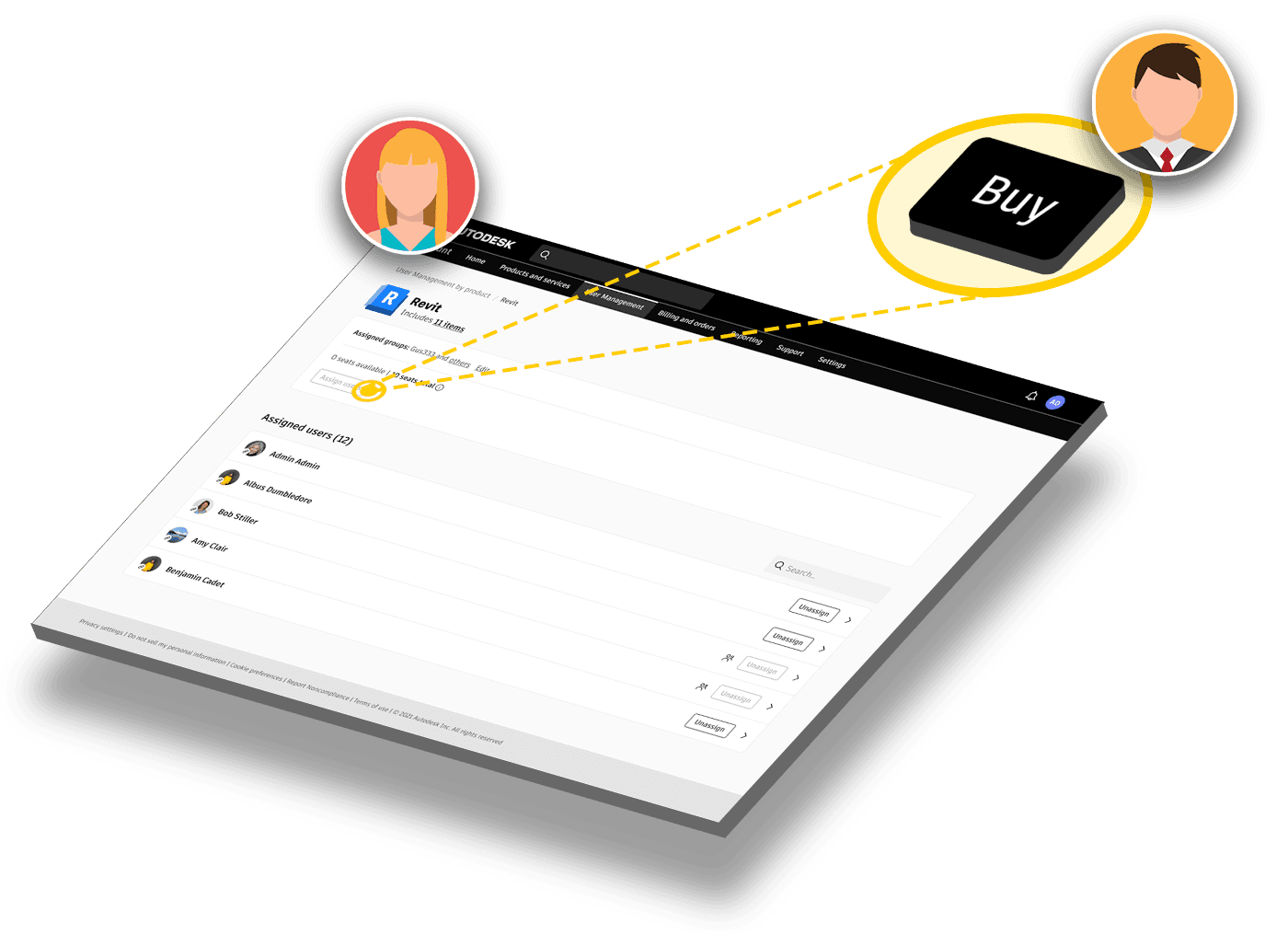
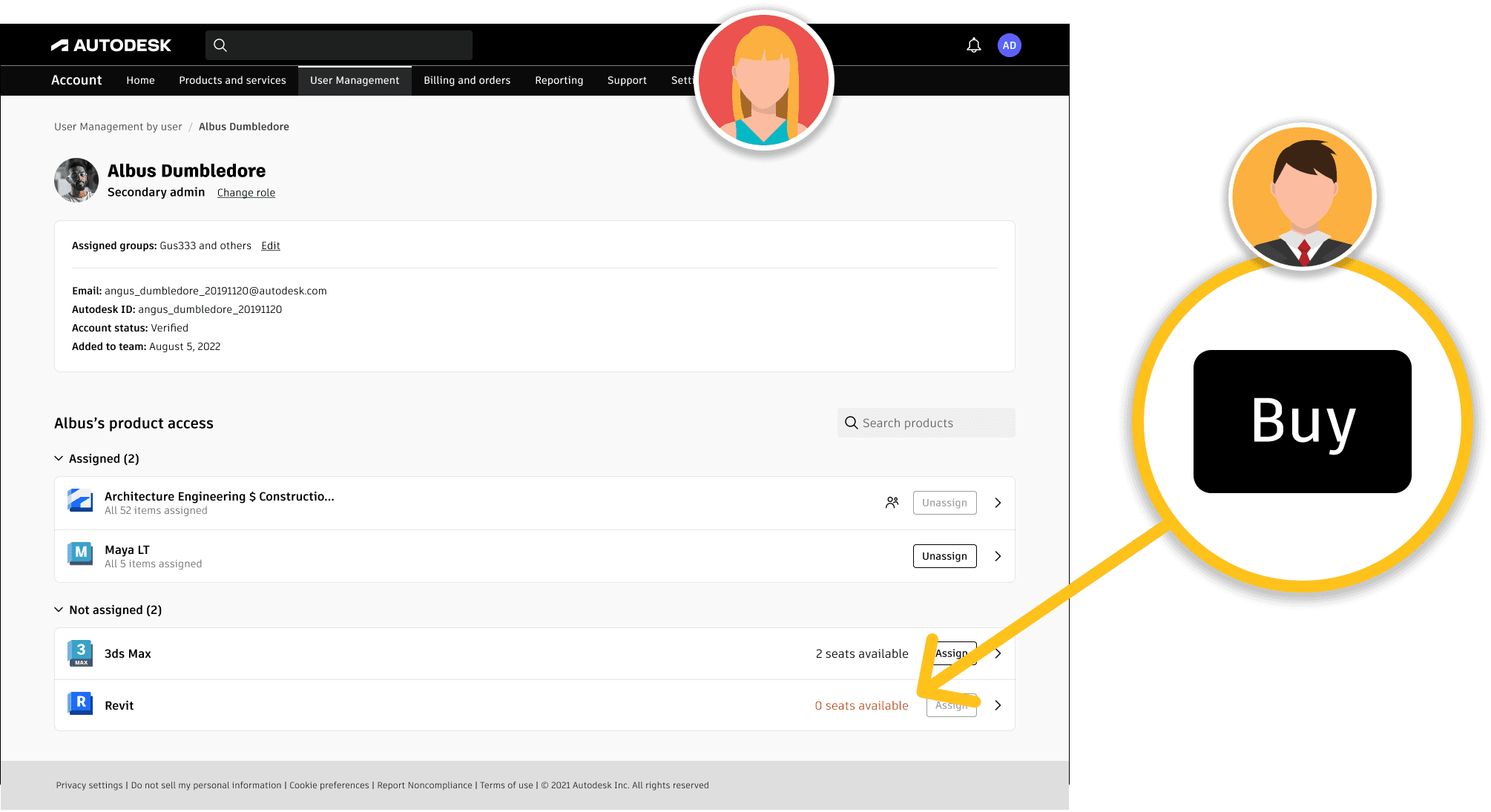
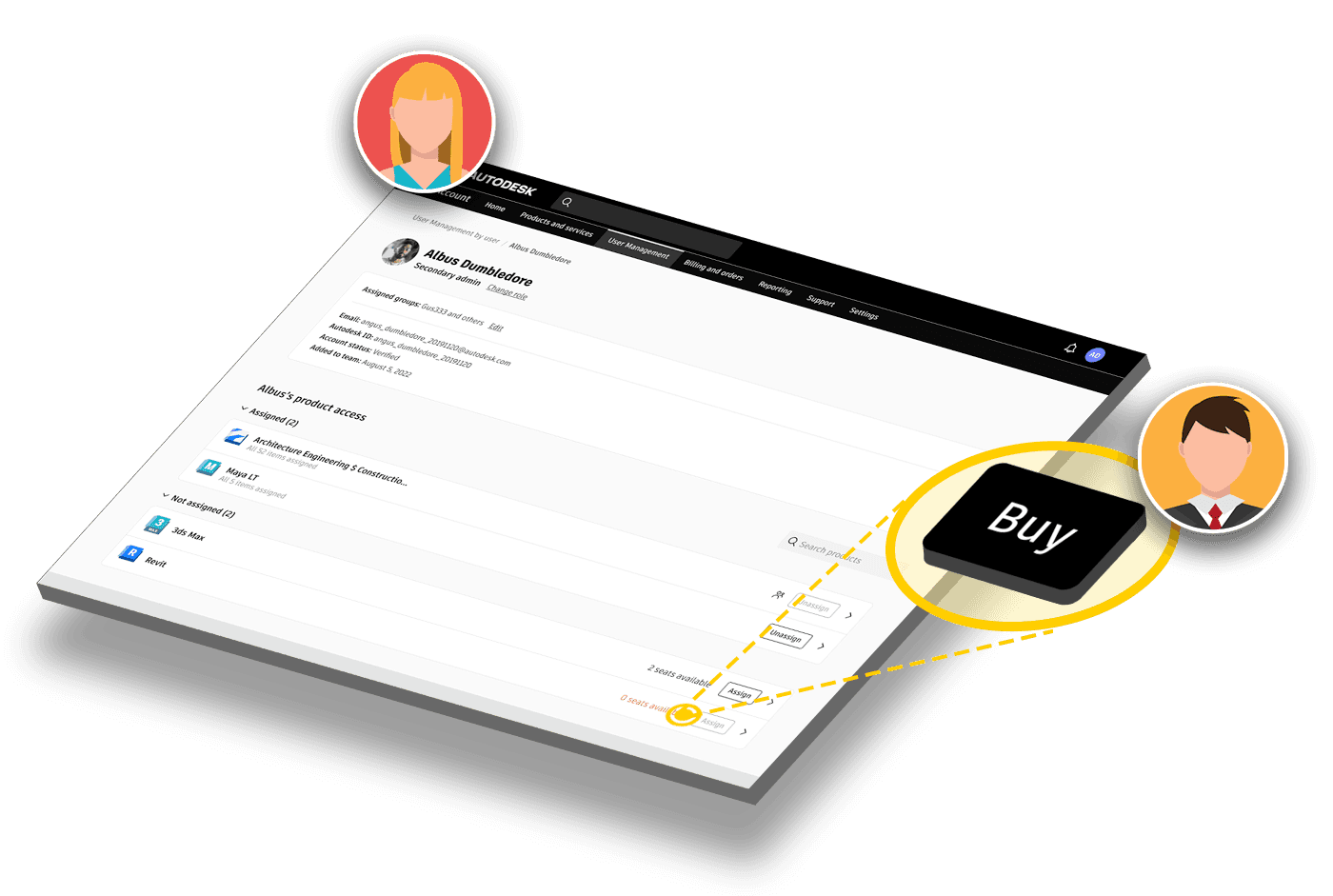
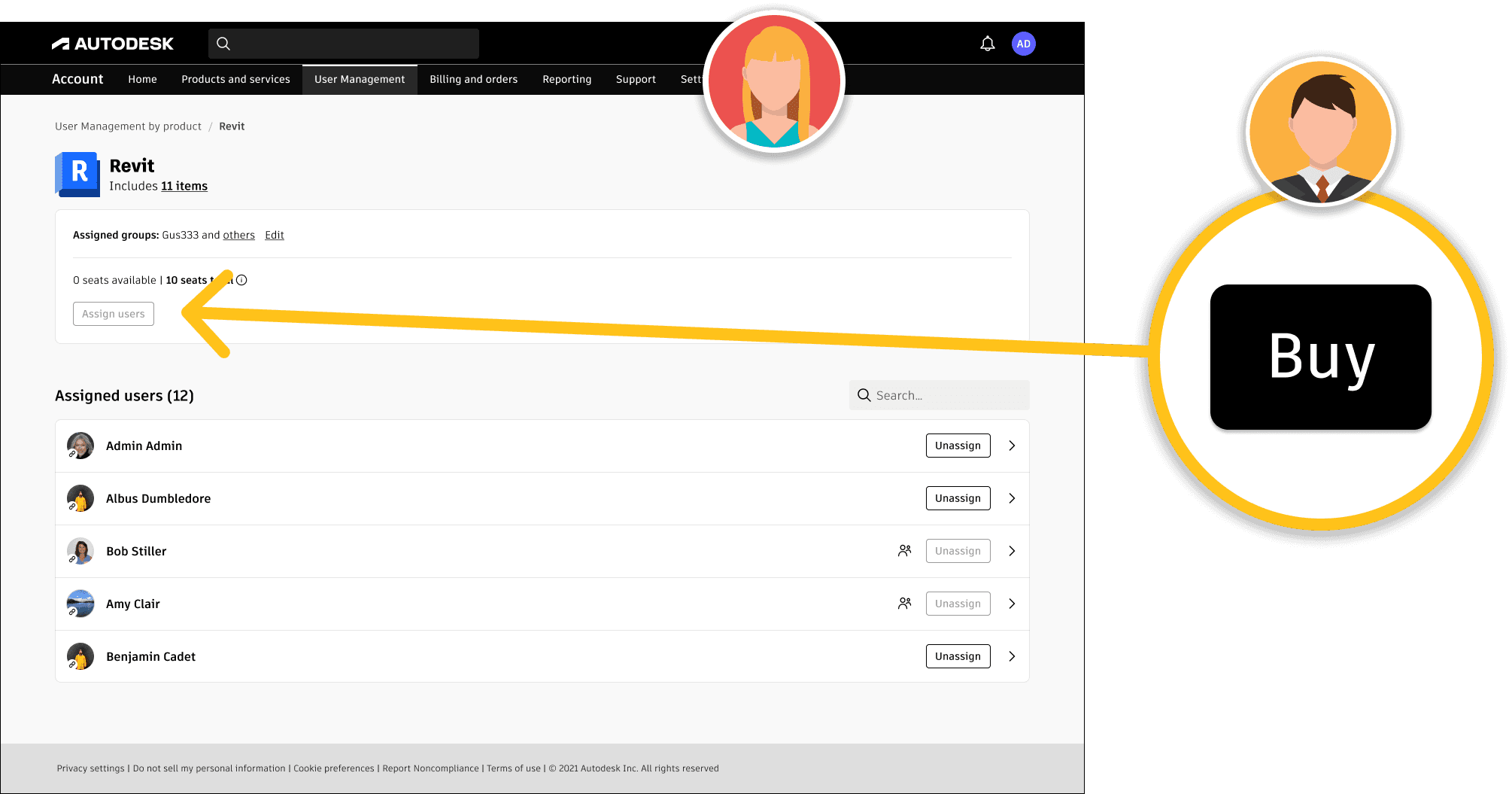
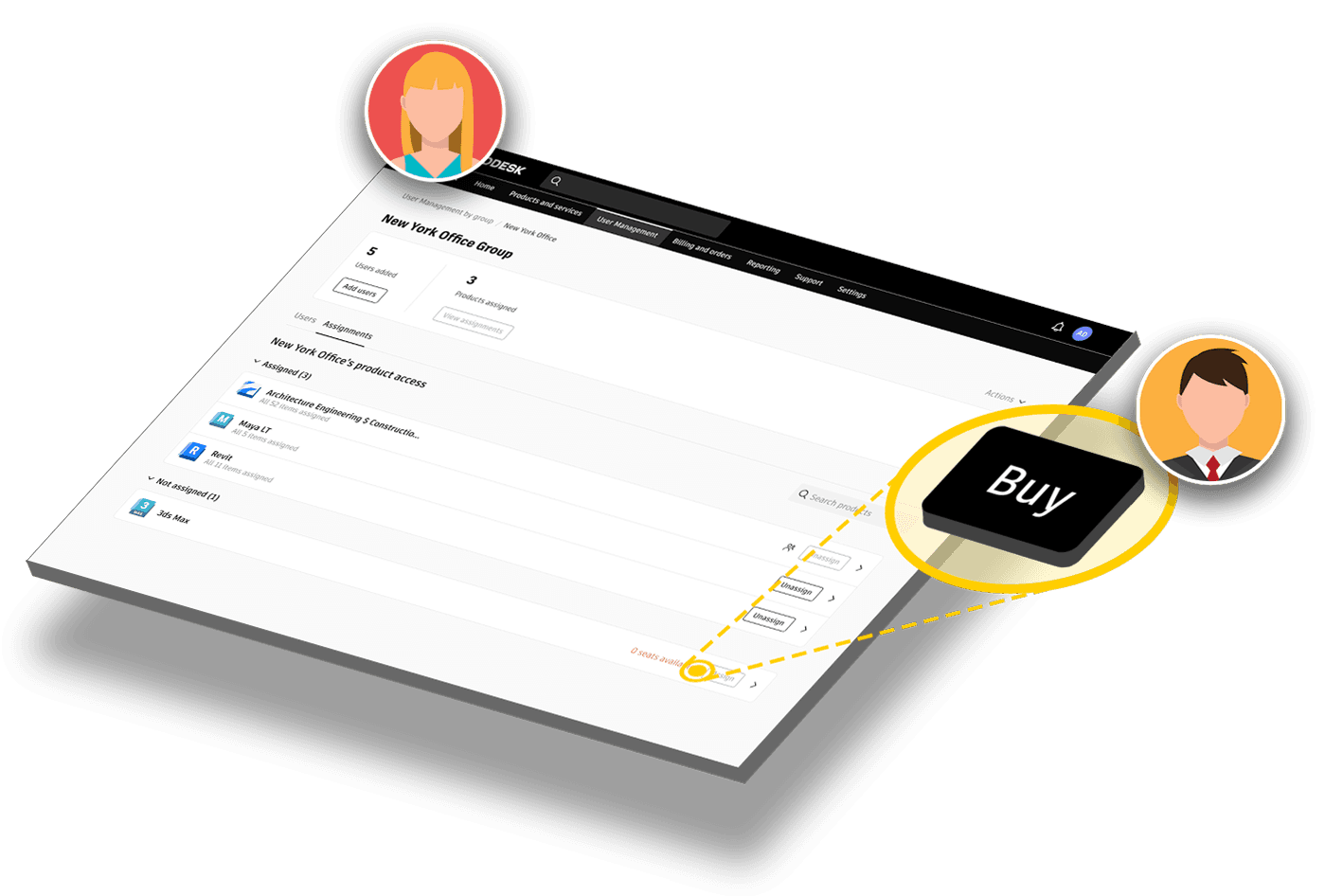
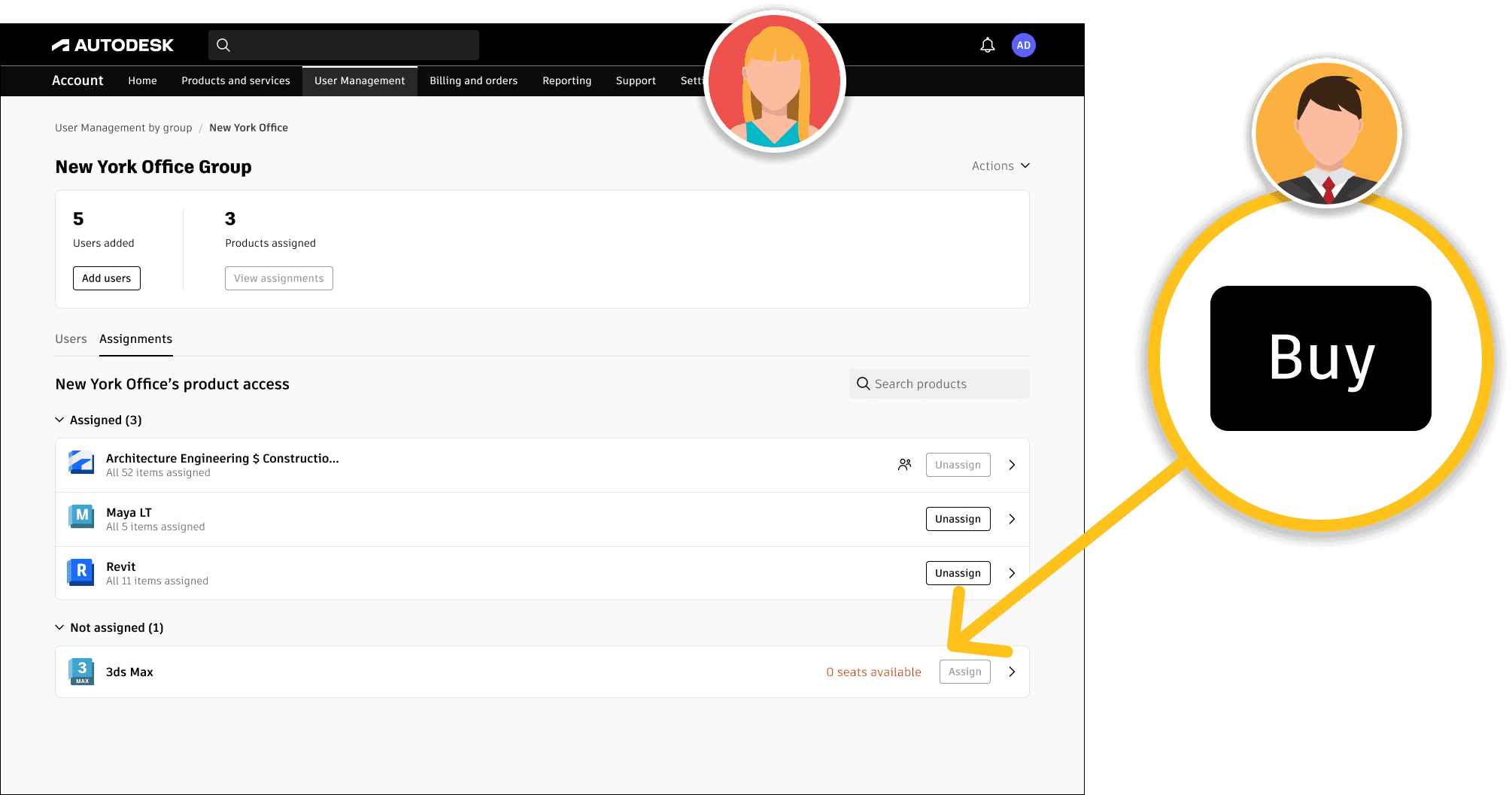
Each team was using three different patterns for the right panel that was involved in the solution. I fostered an open discussion with the other two designers careful not to lean towards any biases, and organically arrived at the conclusion to adopt the new single right-panel pattern across the experience.
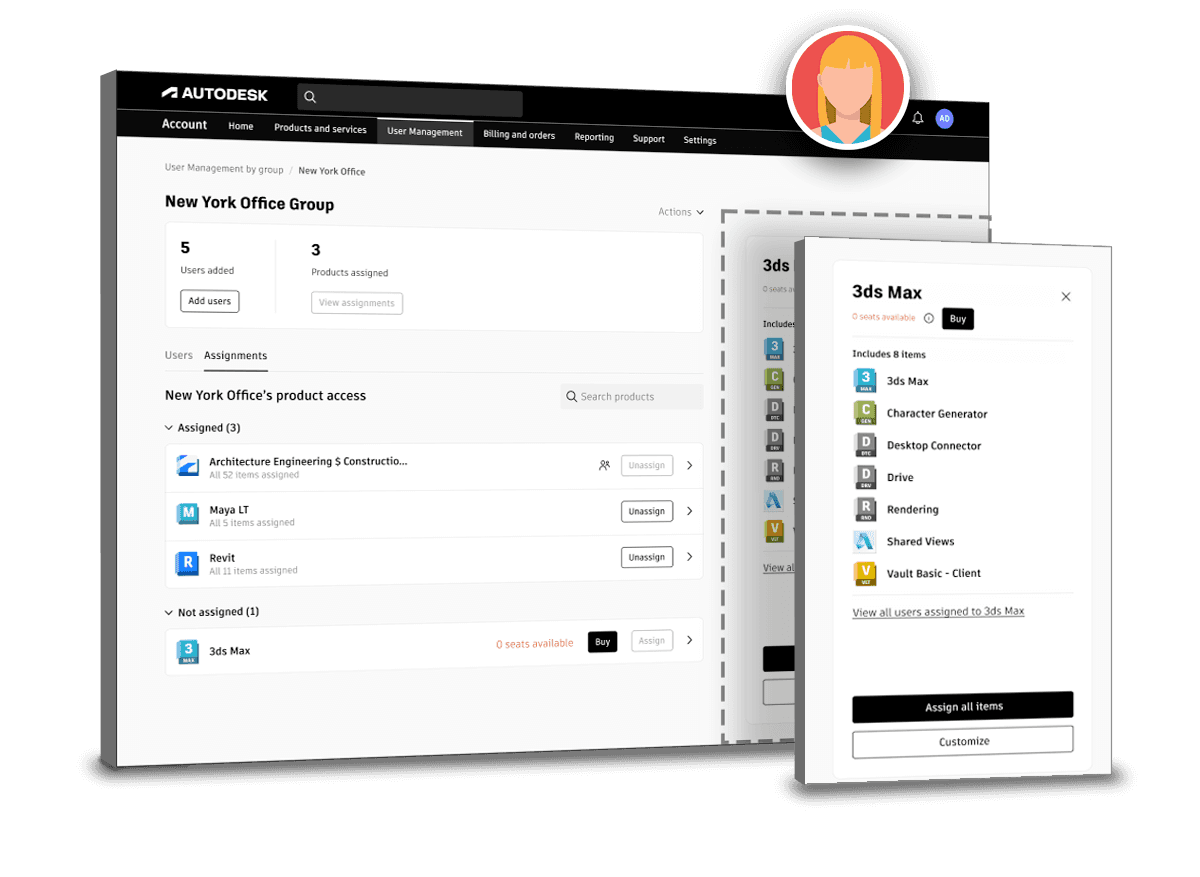
The platform services team utilized the oldest pattern that compacted the page content responsively as the panel slid out from the right.
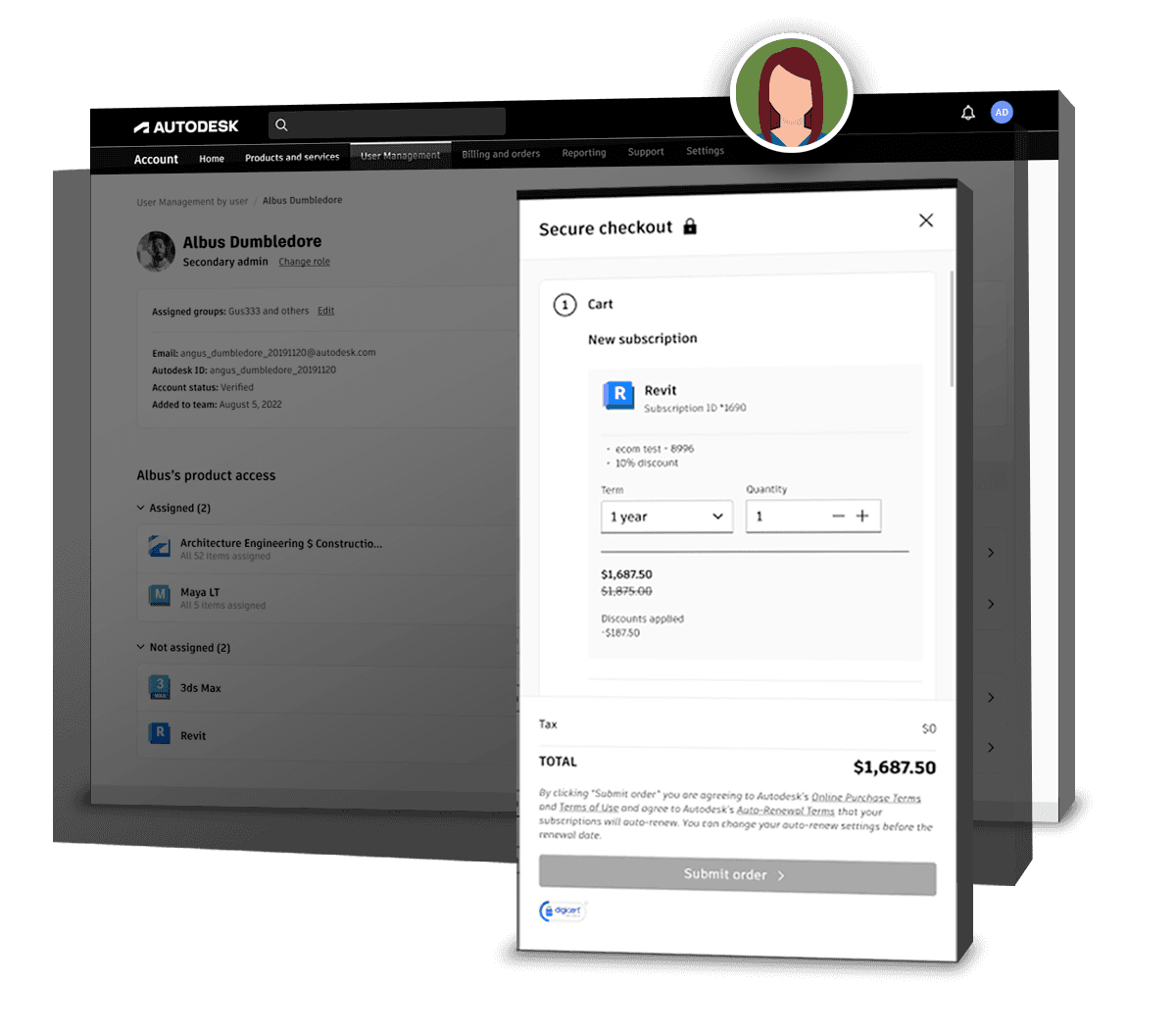
The product marketing team used a right panel pattern that slid out as a modal beneath the header. This pattern kept the main nav exposed, allowing a user to browse away from a purchase-task.
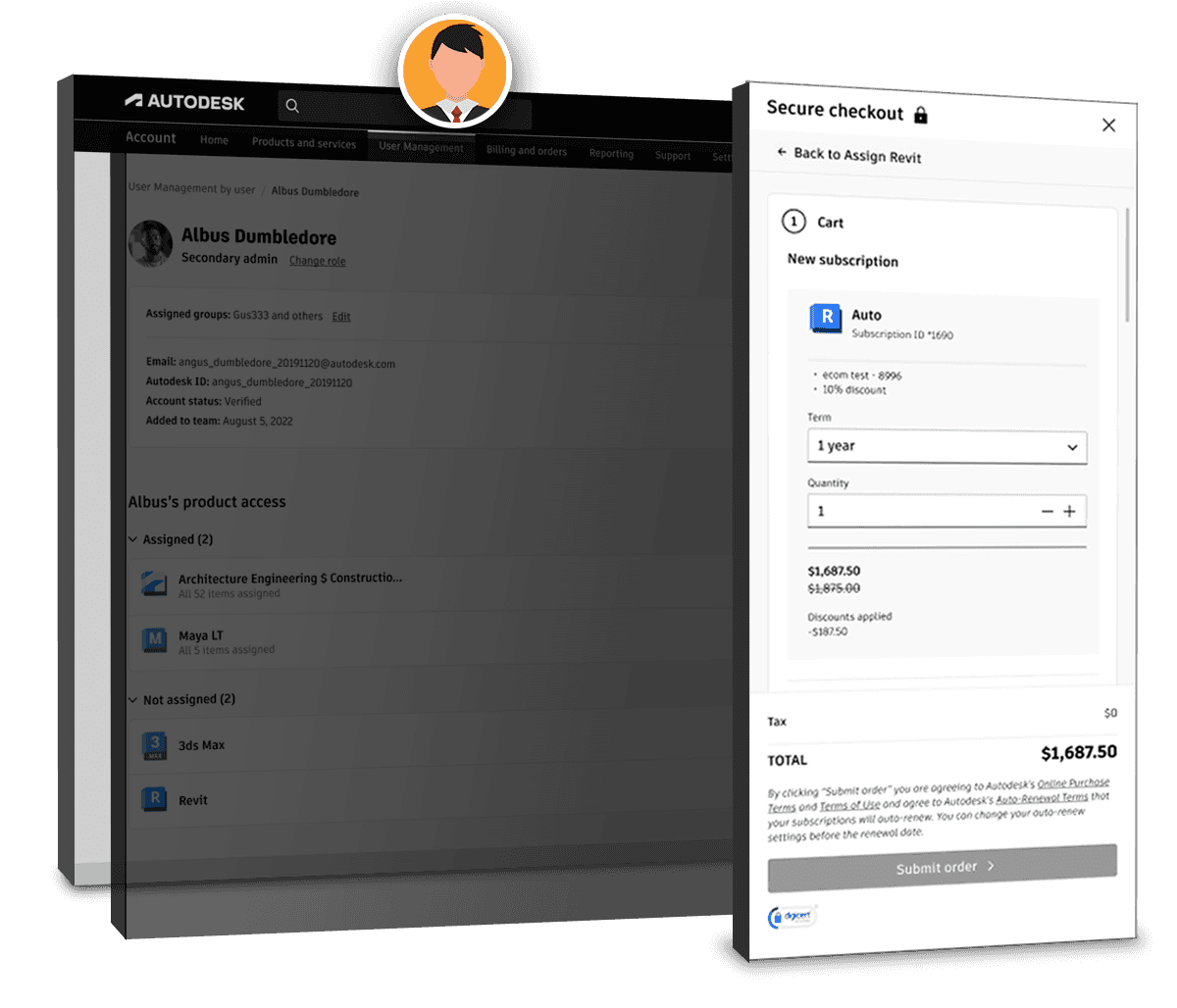
The newest pattern was a right panel that slid out but covered the header. This was designed and proposed as a new pattern by my team in order to keep the user within the task until it was completed or intentionally cancelled by the user.
Prototypes
The three different paths of assigning and purchasing new seats had similar functionality. The work to get to this point was all about discussing feasibility and ironing out the nuances of each team's component and making everything work together.
Each Scenario Considered
We ultimately chose two different scenarios with two different pattern possibilities. I created a flow for each to gather feedback from development.
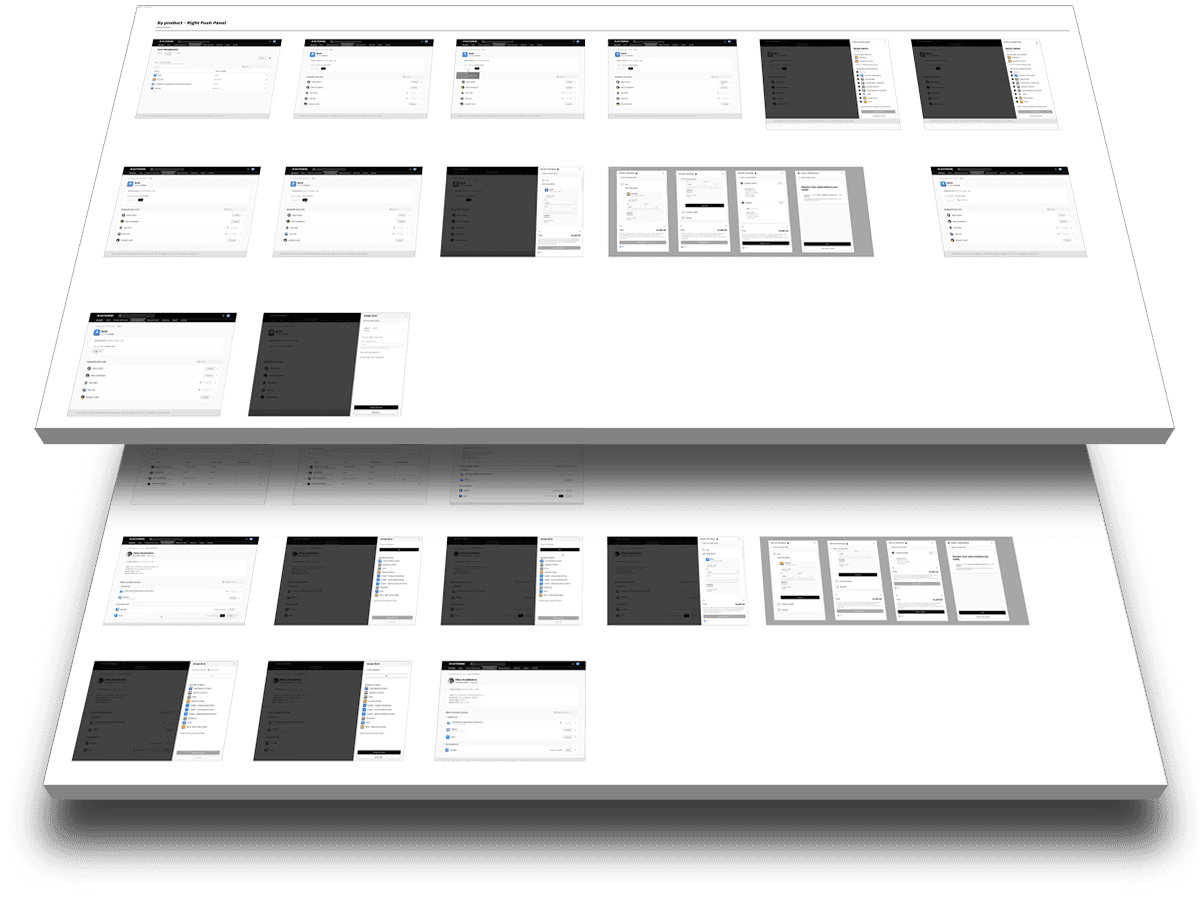
New Panel Pattern
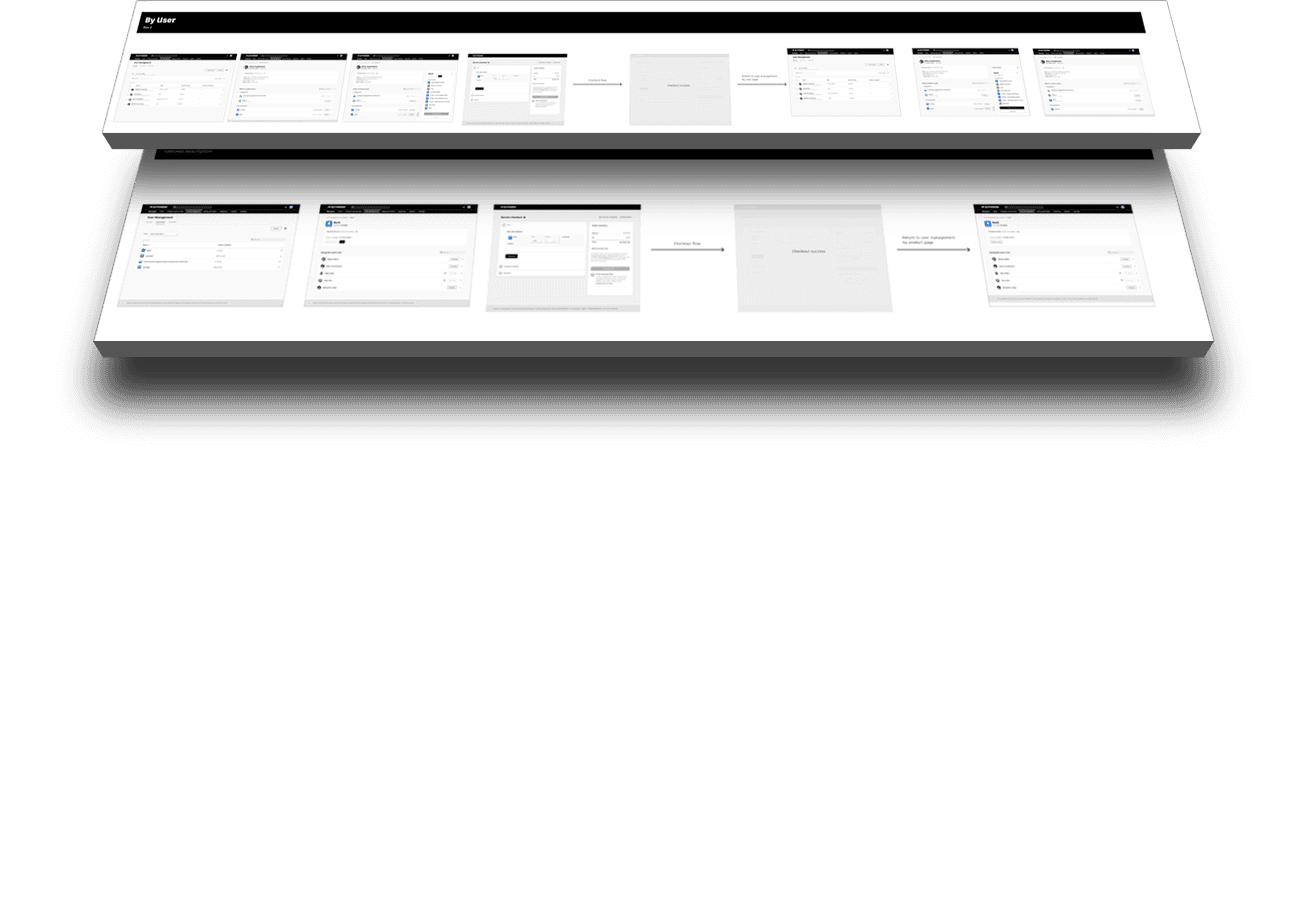
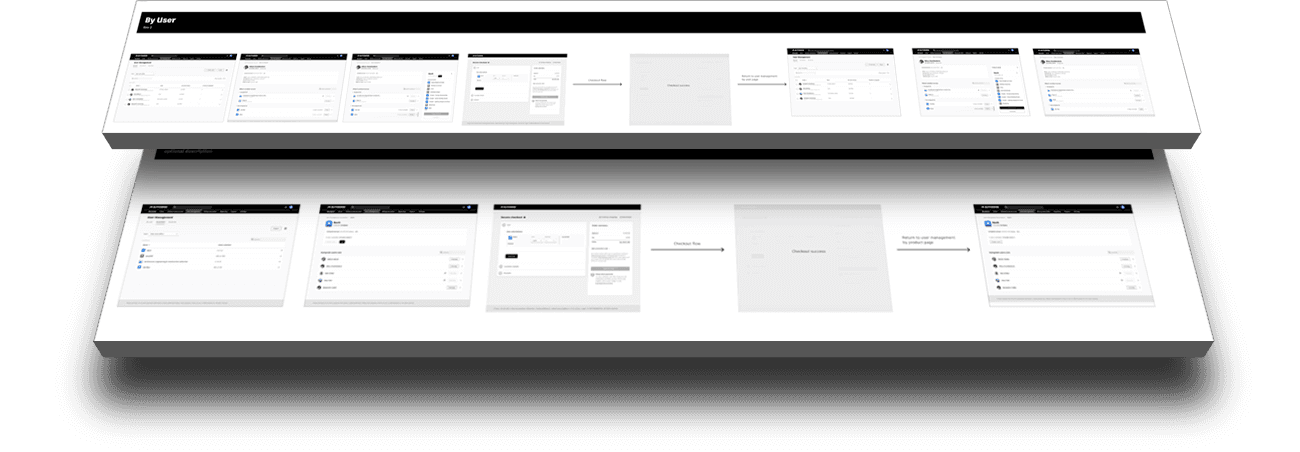
I created the ideal state flows from utilizing the new panel pattern. (The screens below are meant to illustrate the overall work done for each flow.)
Old Panel Pattern
I also created a flow using the original panel pattern to cover the situation in which our development team didn't have the time to implement our new pattern.
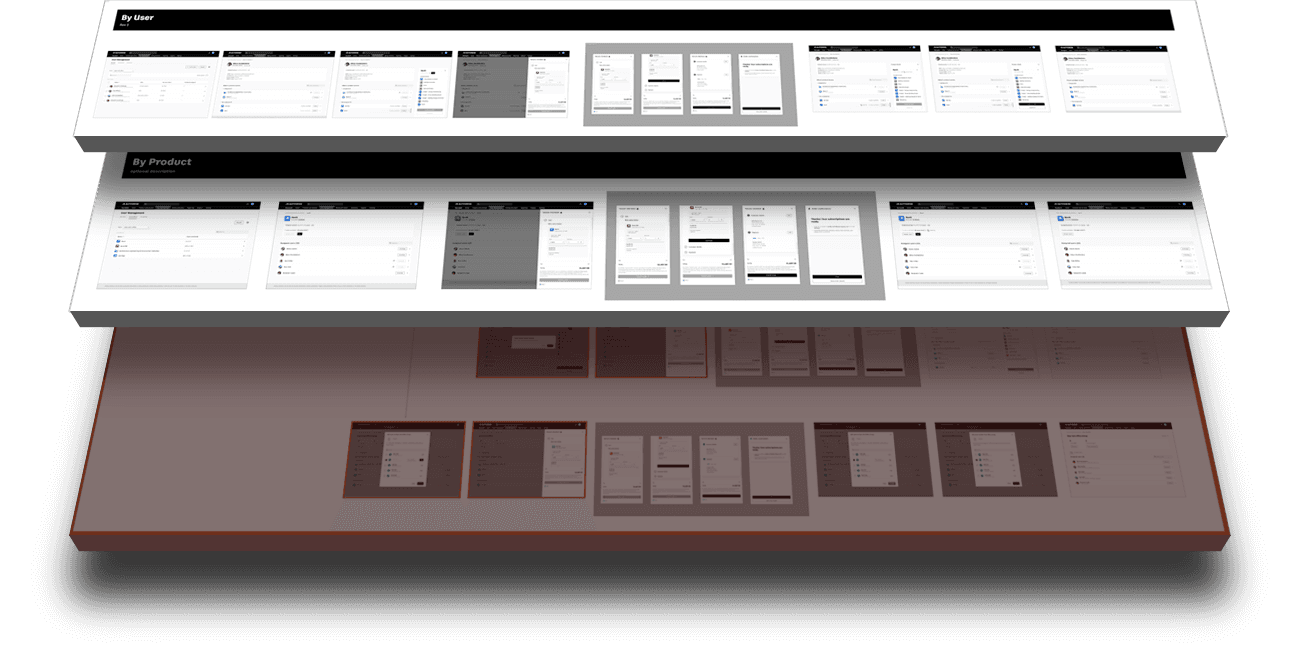
Purchasing new seats "by groups" was eliminated because the multiple ways to assign seats would not produce comparable A-B test results.
Critical Change - Full Page
After speaking to the development team, it turned out that the right-panel checkout was outside of their effort entirely so I created an additional flow to allow the user to check out from the full-page checkout screen which was already in-place.
Outcome
Since this flow was only relevant to the persona of an administrator in a seat assignment workflow, we focused our observation on admins who navigated to that section of the Account portal. In an A-B test, we used Fullstory to watch and compare sessions especially users who ended up making purchases.
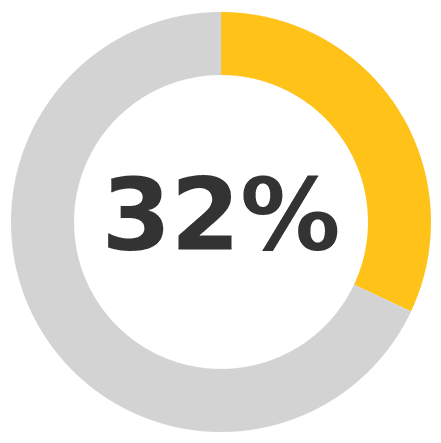
32% higher completion rate
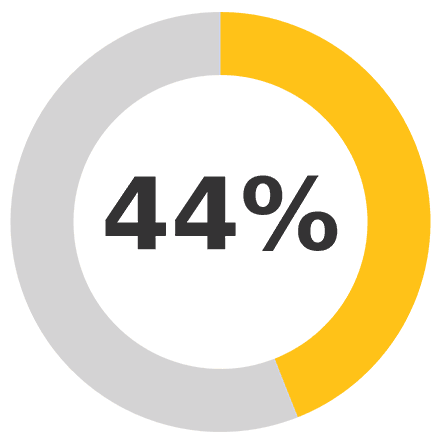
44% faster than others who didn't have seat purchase inline
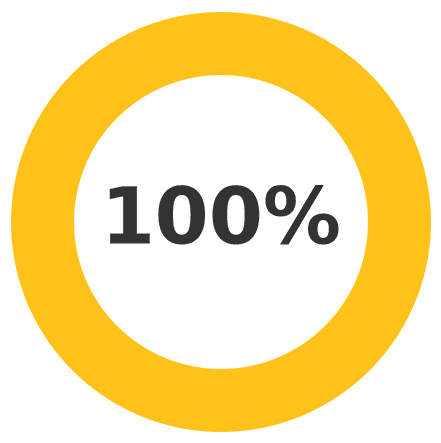
100% said they preferred the inline purchase
From our results, the completion rate was higher for purchasing seats. Keeping users in their current workflow while starting an inline purchase was the best at getting them to complete the purchse. Also, time to completion found users would complete the task 44% faster. Lastly in user testing, comparisons, users liked the inline purchase option better than having to navigate elsewhere.
Takeaway
The key accomplishment in this project was leading three separate teams who typically operated independently, to collaborate on a unified solution. Each team took ownership of the final outcome while also driving a modernization strategy to update UI patterns on their respective properties.
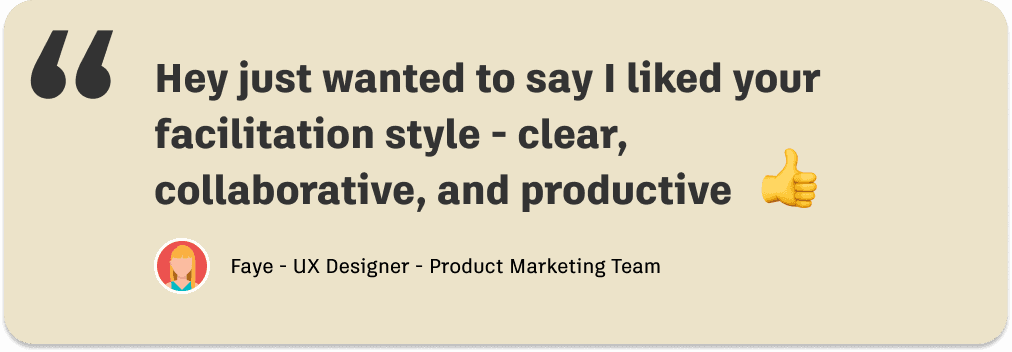
Lastly, with one of the biggest challenges of the project being the putting-together of different teams to collaborate on a joint solution, I was delighted to get a nice unsolicited comment from one of the designers on the other team.